How to use Group Features 63
Making a call to a group member
Your telephone must have a key programmed for Groupmember calls: the
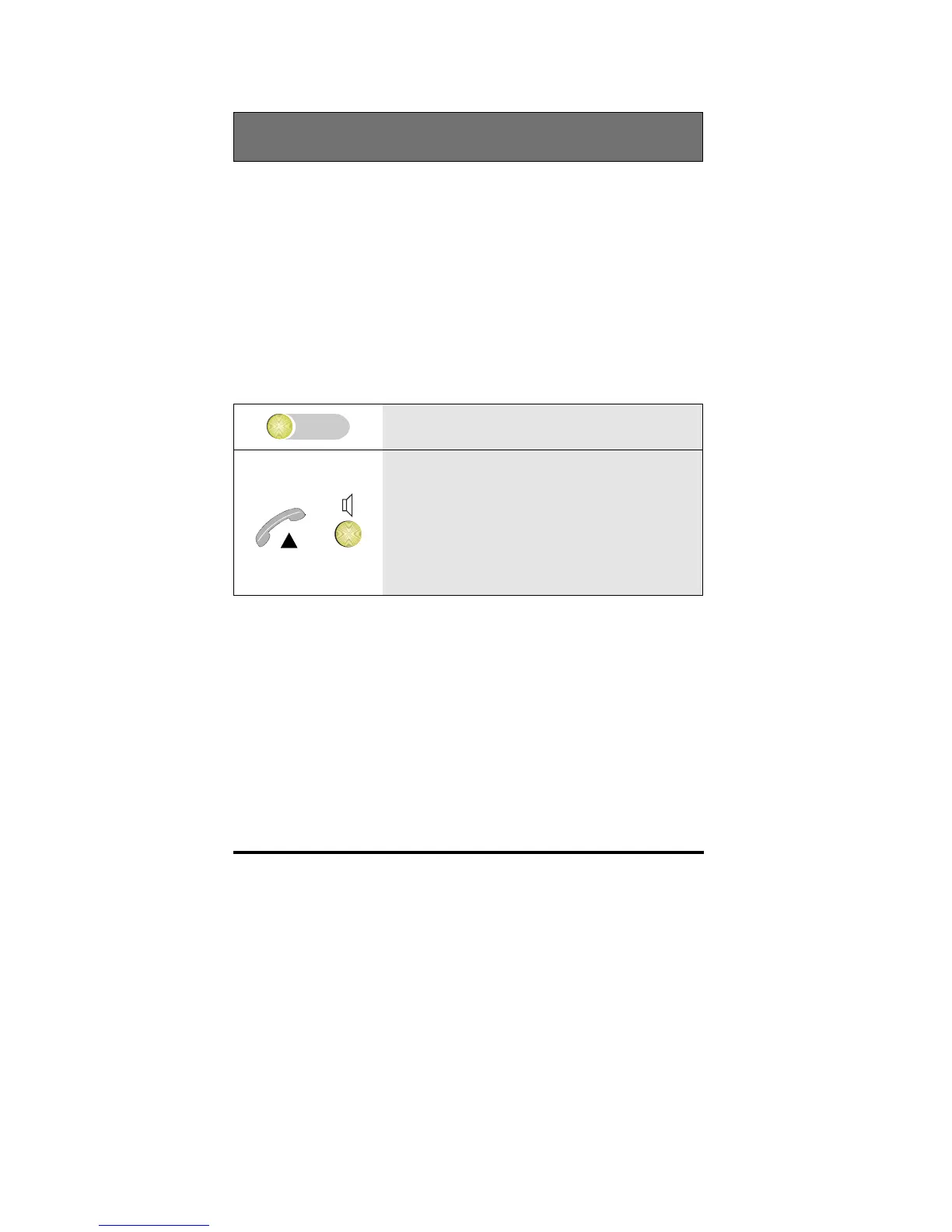
Group member key
It is possible to call a group member by means of his/her group member
key the moment the LED in the key is off or on.
• If the LED in the Group member key is off, the group member is idle
• If the LED in the Group member key is on, this can mean two things:
• The group member is busy on a call
• A call is coming in for the group member, however, this call
cannot be answered by you.
1 Press the Group member key
or
2 If the One key call setup feature is on, the
telephone automatically activates hands-
free and calls this group member.
If the One key call setup feature is off, the
number appears in the display. Lift the
handset or press Loudspeaker



 To Next Page