Using the Special Mode48
Entering the special mode
Special mode gives you access to more features, e.g. in the toggle list, and
it gives you the option to clear all personal information in the phone
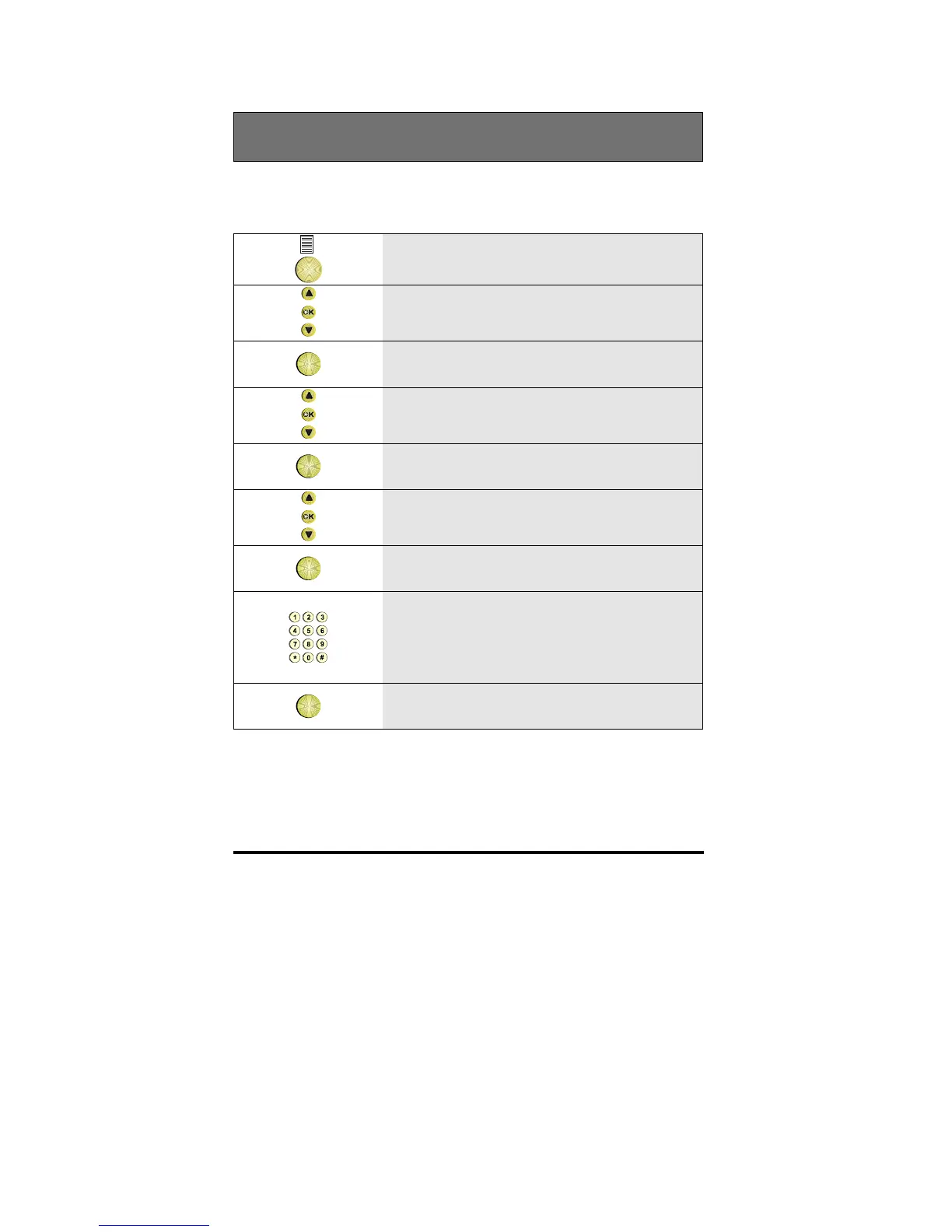
1 Press the Options key
2 Scroll to the Features option
OK
3 Press OK
4 Scroll to the Set phone option
OK
5 Press OK
6 Scroll to the Select mode option
OK
7 Press OK
8 Enter the password for the Special mode:
2468
Note: This password cannot be changed
OK
9 Press OK



 To Next Page