Switching between Listen-in, Handsfree & Softspeaking14
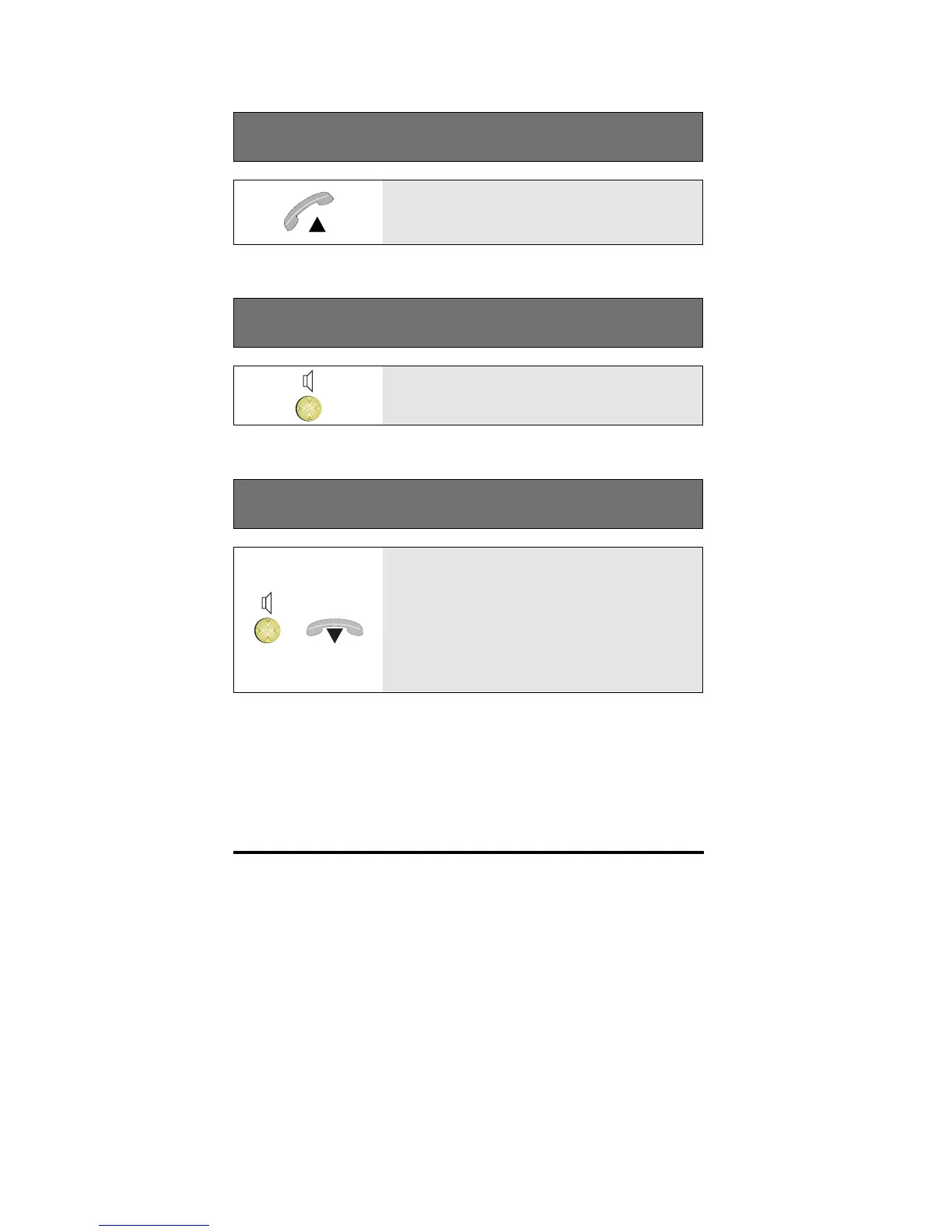
Switching from Hands-free to Soft-speaking
Lift the handset whilst using the phone
hands-free
Switching from Listen-in to Soft-speaking
Press the Loudspeaker key to disable
listen-in
Switching from Listen-in to Hands-free
+
Press and whilst holding down the
Loudspeaker key, replace the handset;
then release the Loudspeaker key
Note: If you replace the handset after
releasing the Loudspeaker key, you will
disconnect your call



 To Next Page