Answering Incoming Call Waiting 23
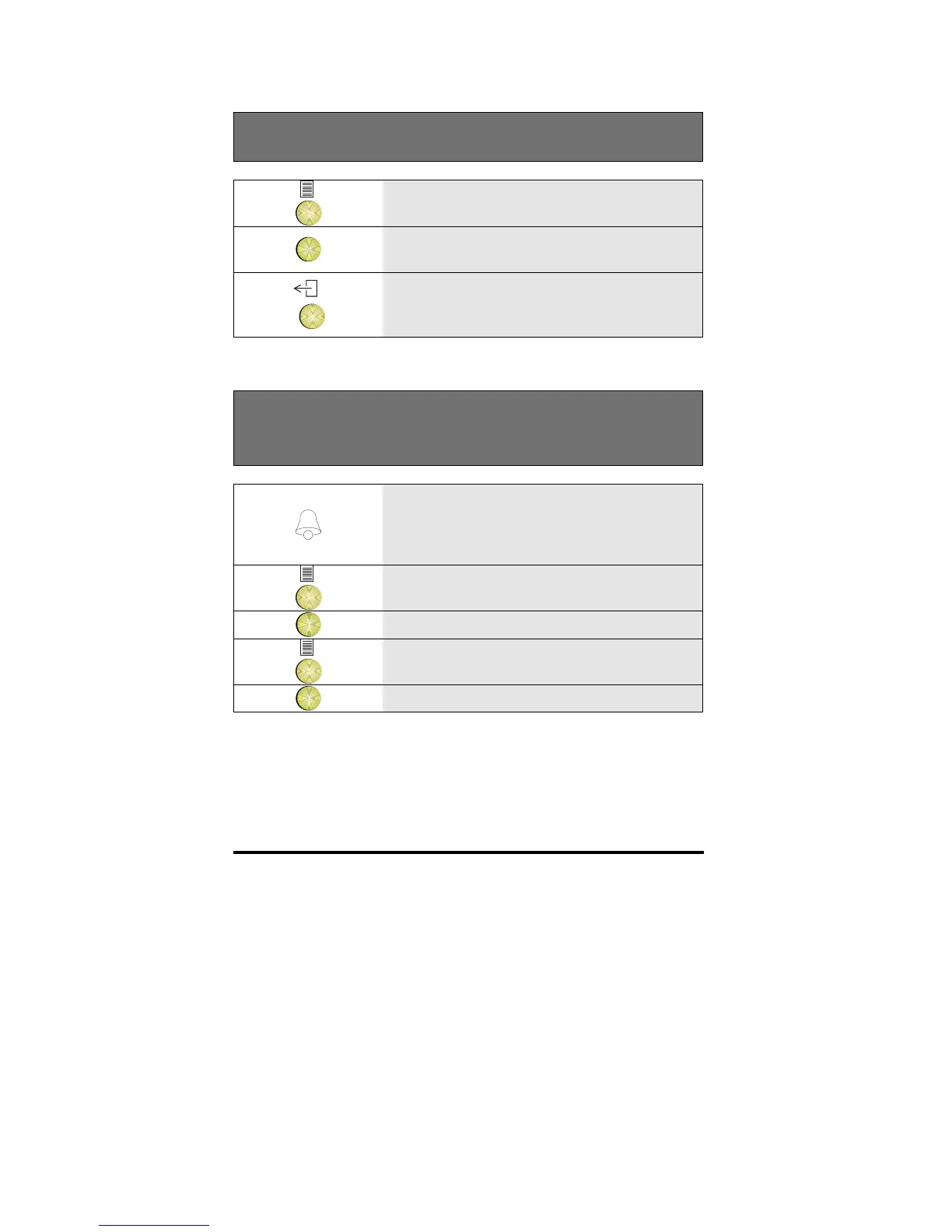
Viewing the I.D. of the waiting incoming call
1 Press the Options key
OK
2 Press OK to see who is waiting
3 If you don’t want to answer the call
waiting, press the Exit key
Switching between the current call and a waiting
incoming call
1 If during a call, the call waiting icon
flashes in the top right hand corner of the
display there is a call waiting for you. If
enabled, a beep will also sound
2 Press the Options key
OK
3 Press OK to see who is waiting
4 Press the Options key
OK
5 Press OK to answer the waiting call
Note: The previous caller is placed in your waiting queue.
You can switch between the two parties using the steps above.



 To Next Page