Using the Last Number Redial 9
Editing a number from the Redial list [D330 only]
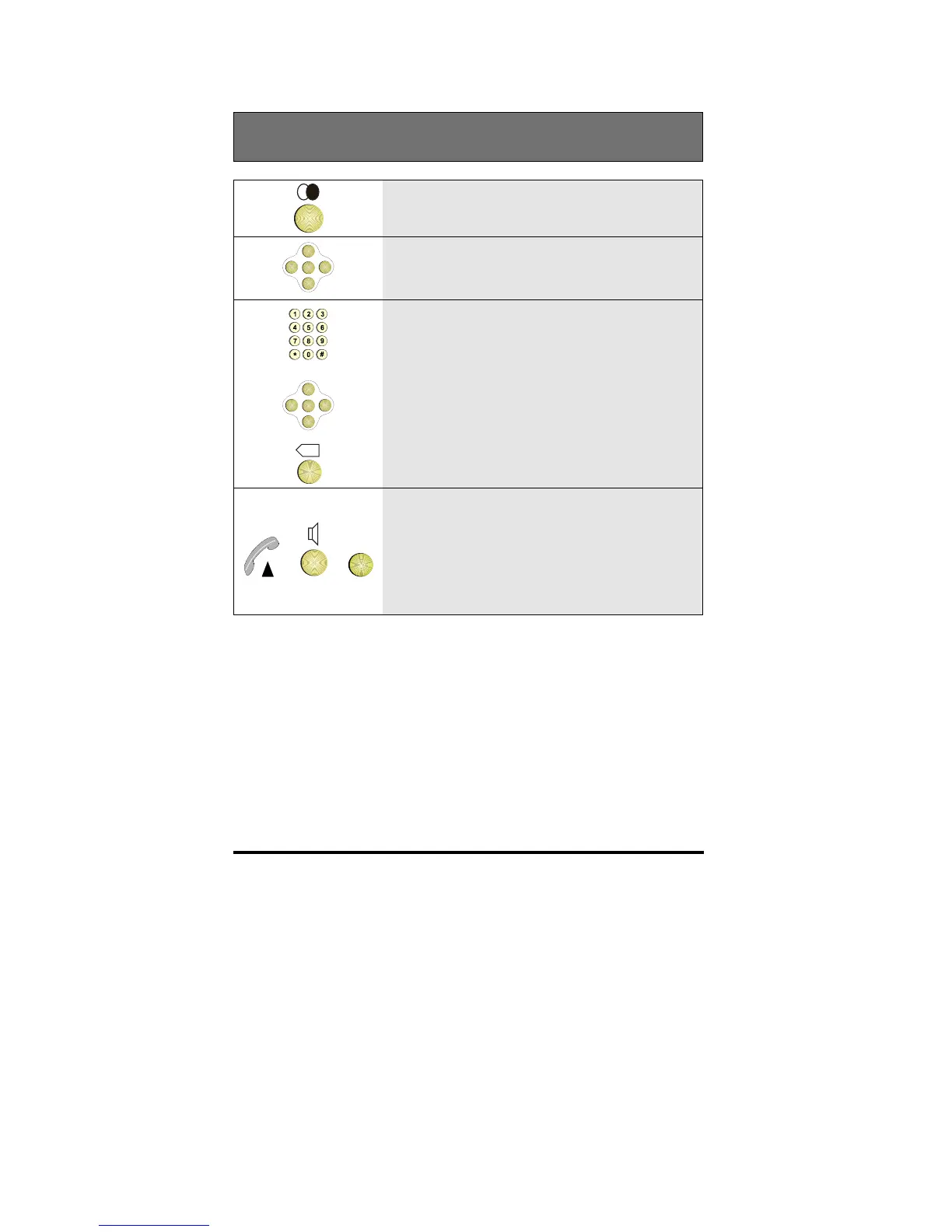
1 Press the Redial key
OK
<
<
<
<
2 Scroll to the number you want to edit
OK
<
<
<
<
X
3 Edit the number using the number keypad
and the horizontal cursor keys and the
backspace key
or or
OK
4 To dial the number, either lift the handset,
or, if using the telephone hands-free press
the Loudspeaker key, or press OK
The number is now stored in the Redial
list



 To Next Page