Using the Directory 31
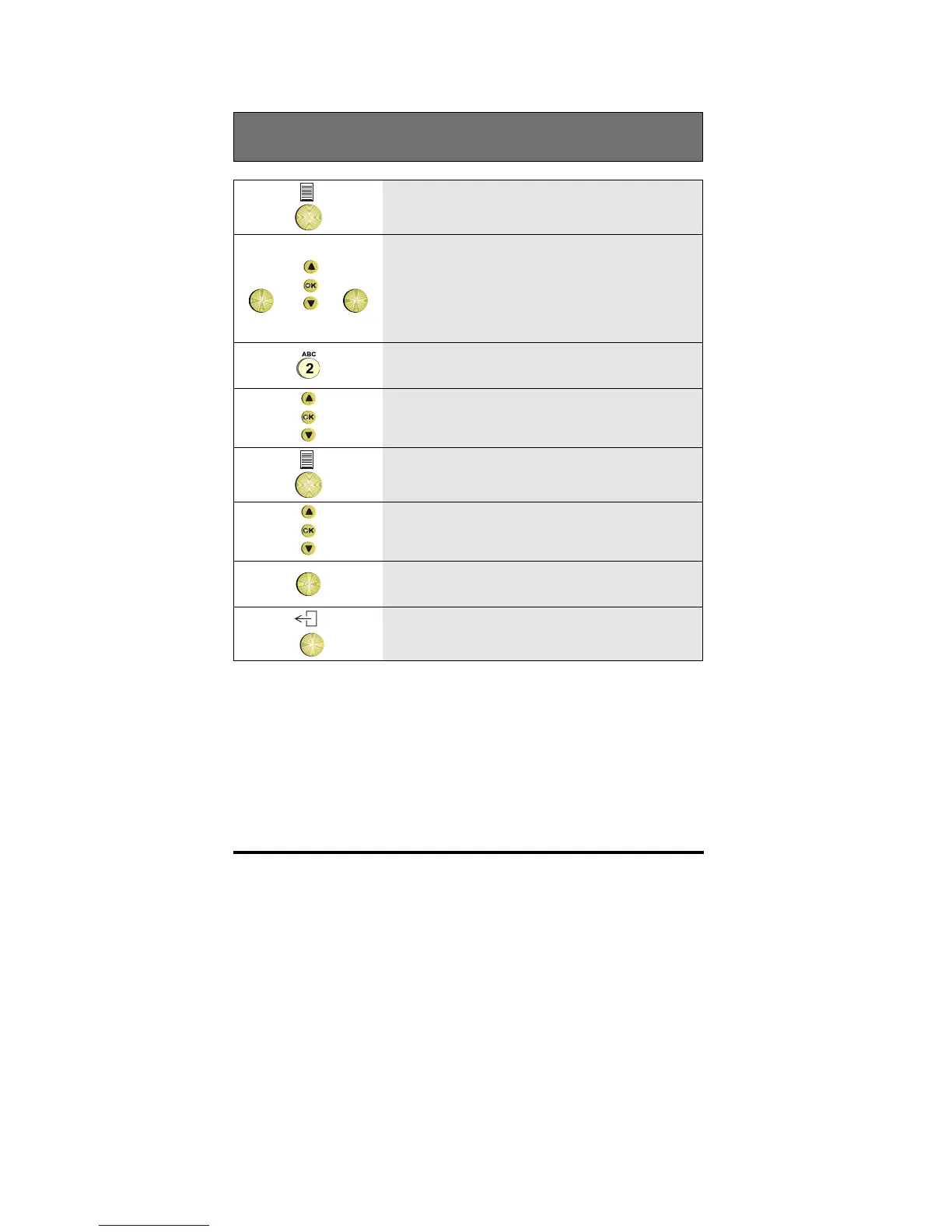
Removing a name from the directory
1 Press the Options key
OK
or
+
OK
2
Press OK if the Directory option is
displayed.
Otherwise scroll to the Directory option
and press OK
3 Type the first character from the name
4
Scroll if necessary to the name you wish
to remove and then press OK
5 Press the Options key
6
Scroll to the Remove entry option
OK
7 Press OK to remove the entry
8
To return to idle, press the Exit key



 To Next Page