Using the Directory30
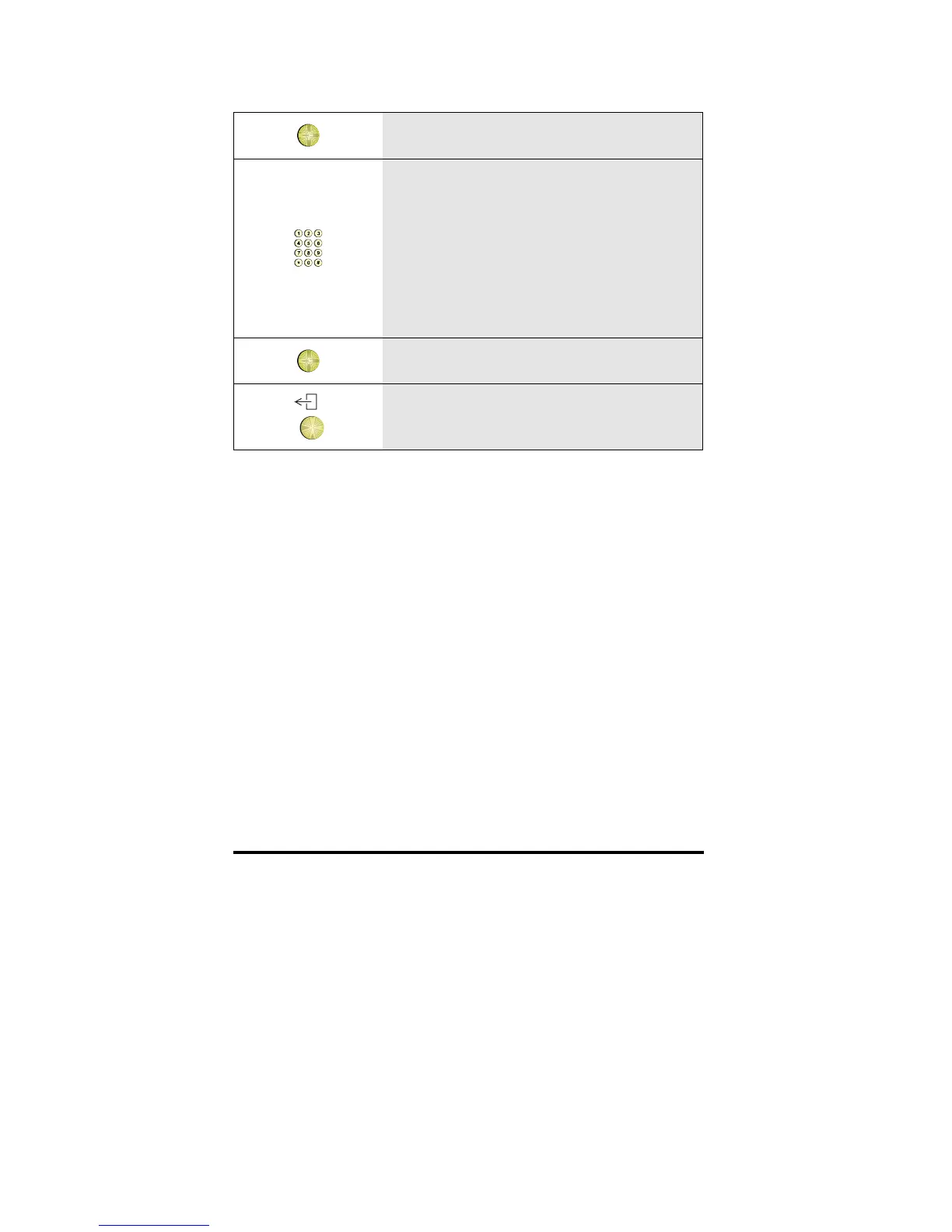
OK
6 Press OK
7
Type the name
Note: While adding a name during a call,
the number of the connected party is
displayed here. If required you can edit
this number [D330 only] or erase the
number by pressing the options key and
OK.
OK
8 Press OK
9 To return to idle, press the Exit key



 To Next Page