Locking the Telephone 43
Locking the telephone
By means of a password you can lock your telephone in the following
ways:
• You can make and receive calls, but cannot access any programmed
functions
• You can receive calls, but each keypress or lifting of the handset leads
to a hands-free/soft-speaking call to a specific number
• You can only receive calls, but cannot make calls or access
programmed functions.
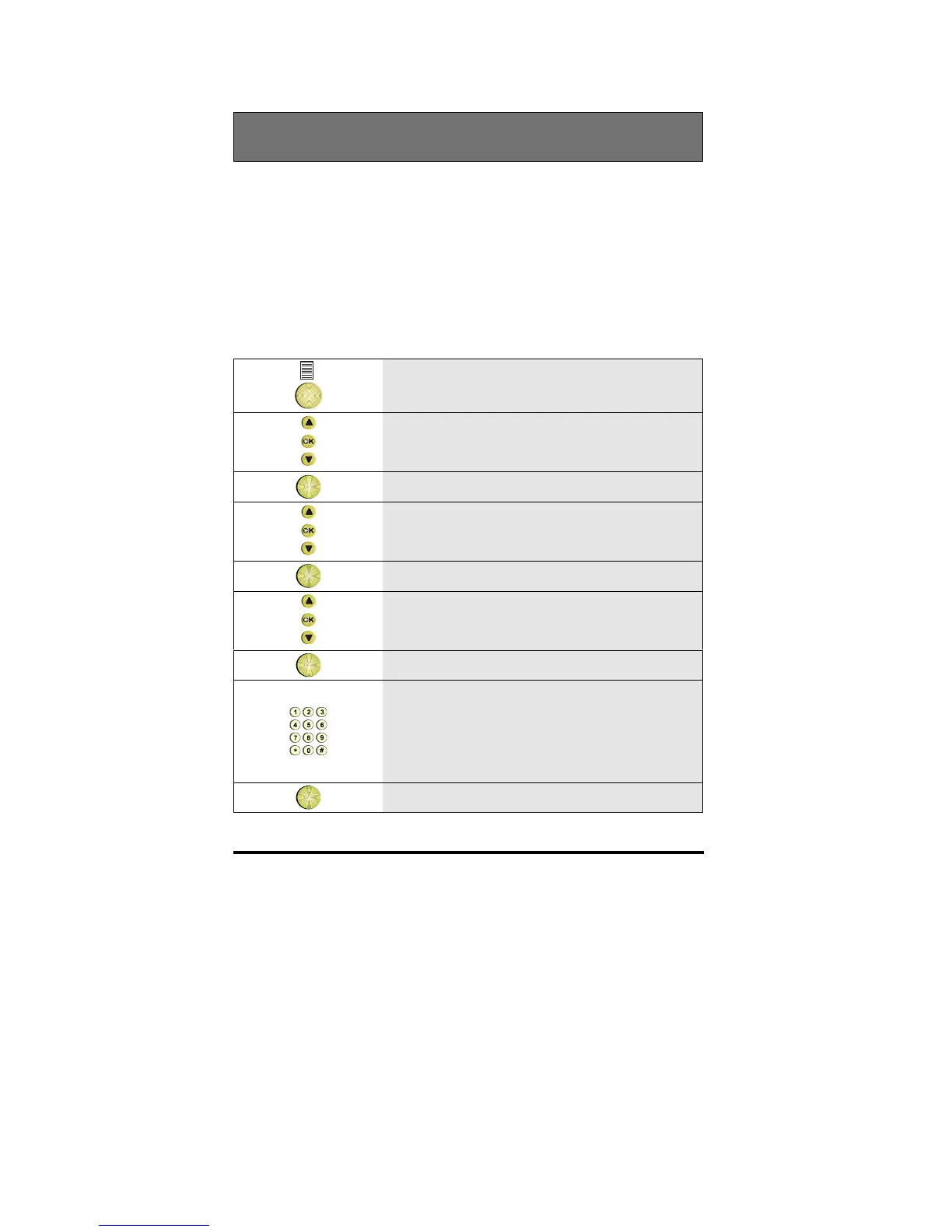
1
While in the idle mode, press the
Options key
2 Scroll to the Features option
OK
3 Press OK
4 Scroll to the Set phone option
OK
5 Press OK
6 Scroll to the Select mode option
OK
7 Press OK
8 Enter the lock password
(Default lock password is 111. This
password can be changed, see section
”Changing your password to lock the
telephone”
OK
9 Press OK to enter lock mode



 To Next Page