Changing Specific Telephone Settings40
Changing the language of your telephone
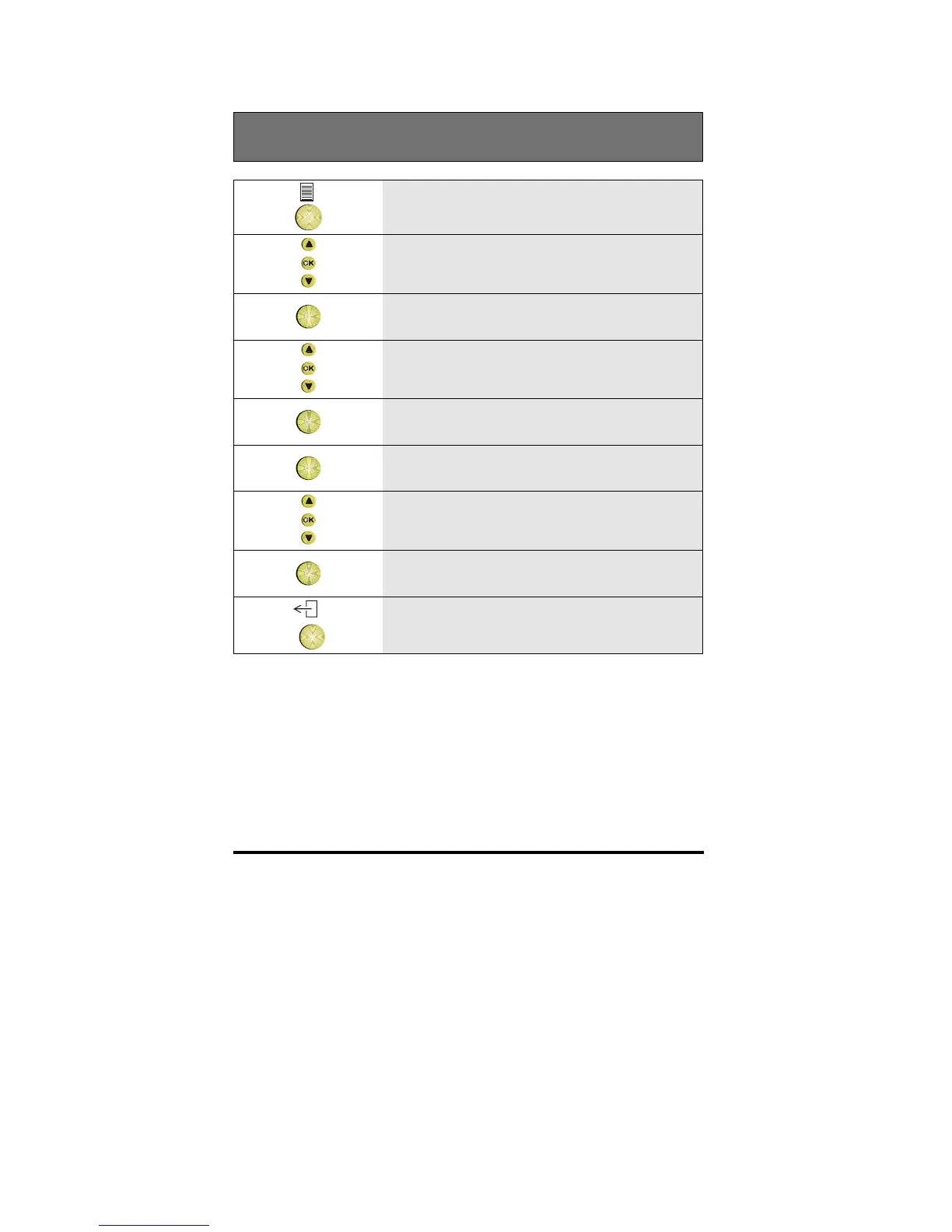
1 Press the Options key
2 Scroll to the Features option
OK
3 Press OK
4 Scroll to the Set phone option
OK
5 Press OK
OK
6 Press OK to select the Language option
7 Scroll to the language you want
OK
8 Press OK to save the setting
9 To return to idle, press the Exit key



 To Next Page