Toggling Features On and Off 39
Toggling features on and off (continued)
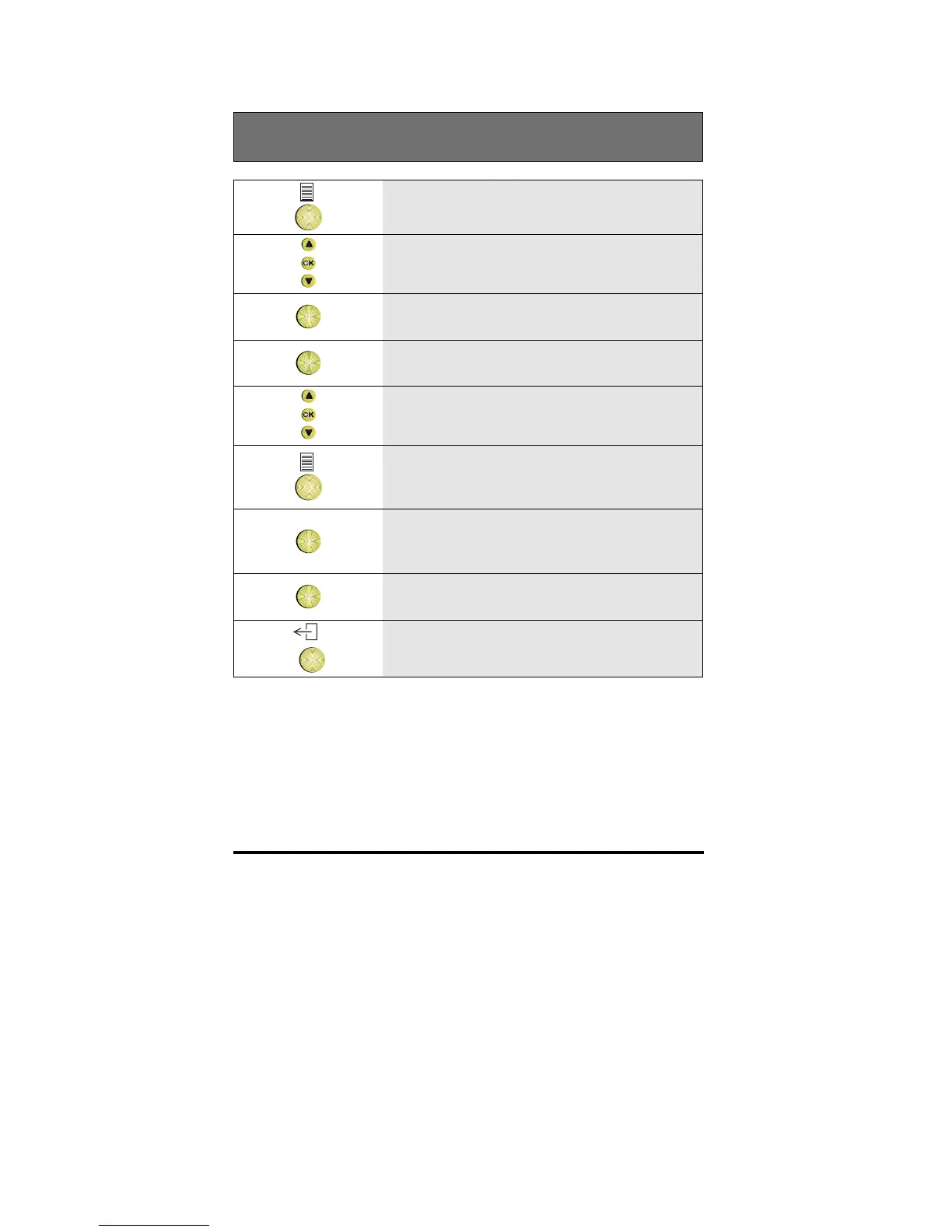
1 Press the Options key
2 Scroll to the Features option
OK
3 Press OK
OK
4 Press OK to select the Toggle list option
5 Scroll to the feature you want.
6 Press the Options key to change the
displayed option
OK
7 Press OK to display the feature to be
changed
OK
8 Press OK to make the change
9 To return to idle, press the Exit key



 To Next Page