Setting Up and Using Memory Keys56
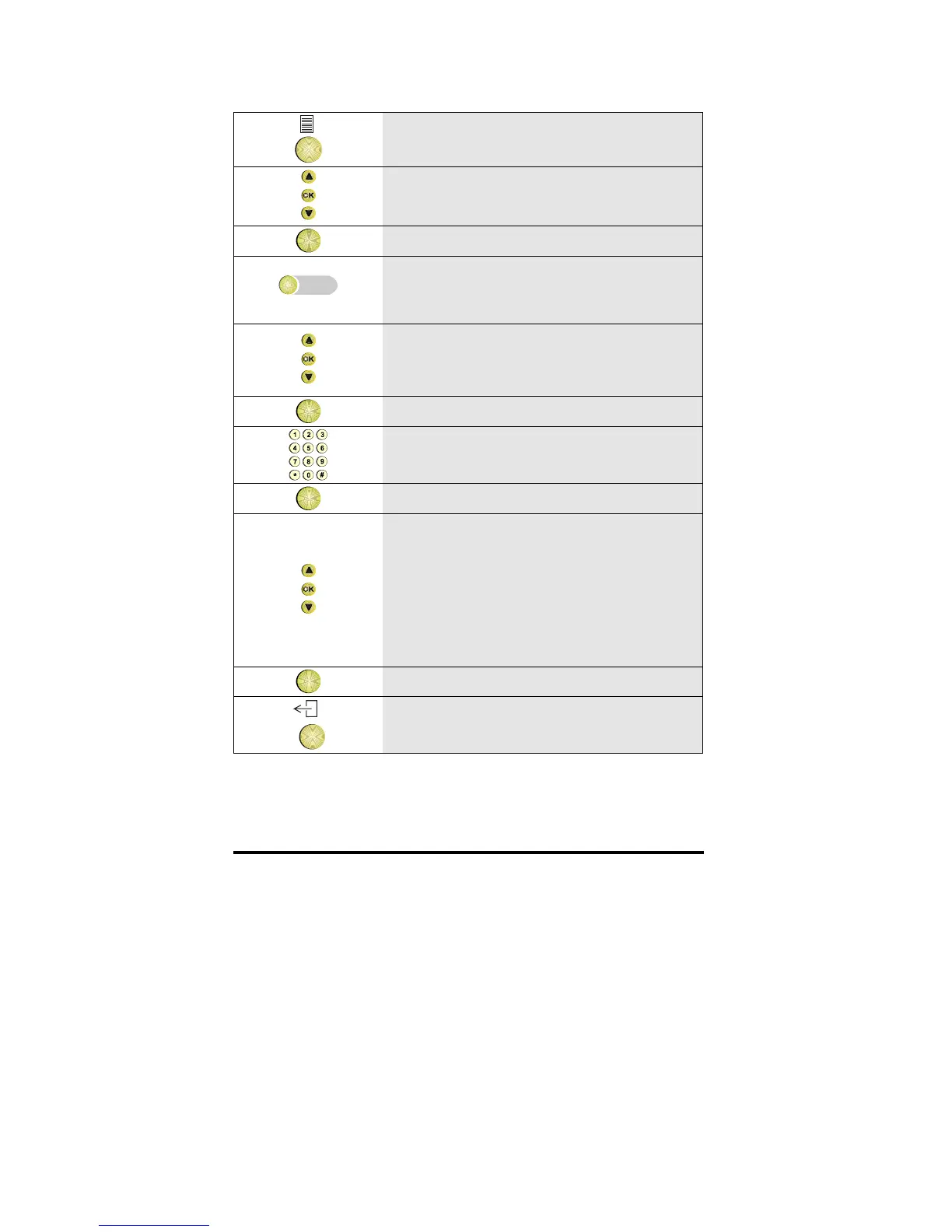
1 Press the Options key
2 Scroll to the Keys option
OK
3 Press OK
4 Press the empty memory key you want to
program
5 Scroll through the list of functions until
the facility you want appears in the
display.
OK
6 Press OK
7
If requested, enter a number (ask your
system supervisor)
OK
8 Press OK
9
If requested, scroll to the required softring
type.
Note: If a loudring tone is requested,
select ring type 3-softring and switch
Loudring f. 3-softr. in the toggle list to
ON. Refer to Glossary.
OK
10 Press OK
11 To return to idle, press the Exit key


 To Next Page
 Loading...
