Setting Up and Using Memory Keys54
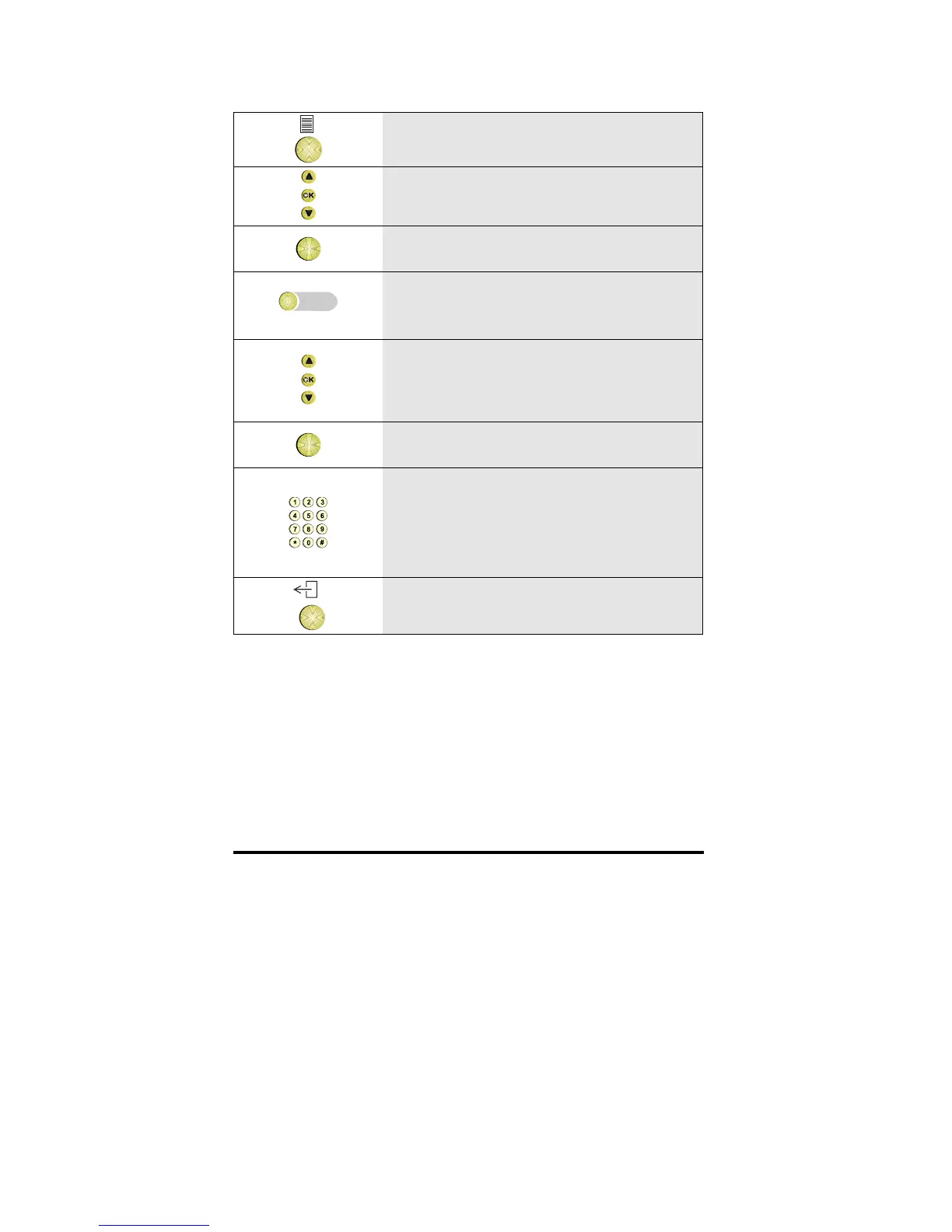
1 Press the Options key
2 Scroll to the Keys option
OK
3 Press OK
4
Press the empty memory key you want to
program
5 Scroll through the list of functions until
the facility you want appears in the
display.
OK
6 Press OK
7 If requested enter a number
Note: for the functions Diversion of all
calls and DTMF-tones, entering the
number is optional
8 To return to idle, press the Exit key



 To Next Page