H.264 Network Digital Video Recorder User Manual
Page 22
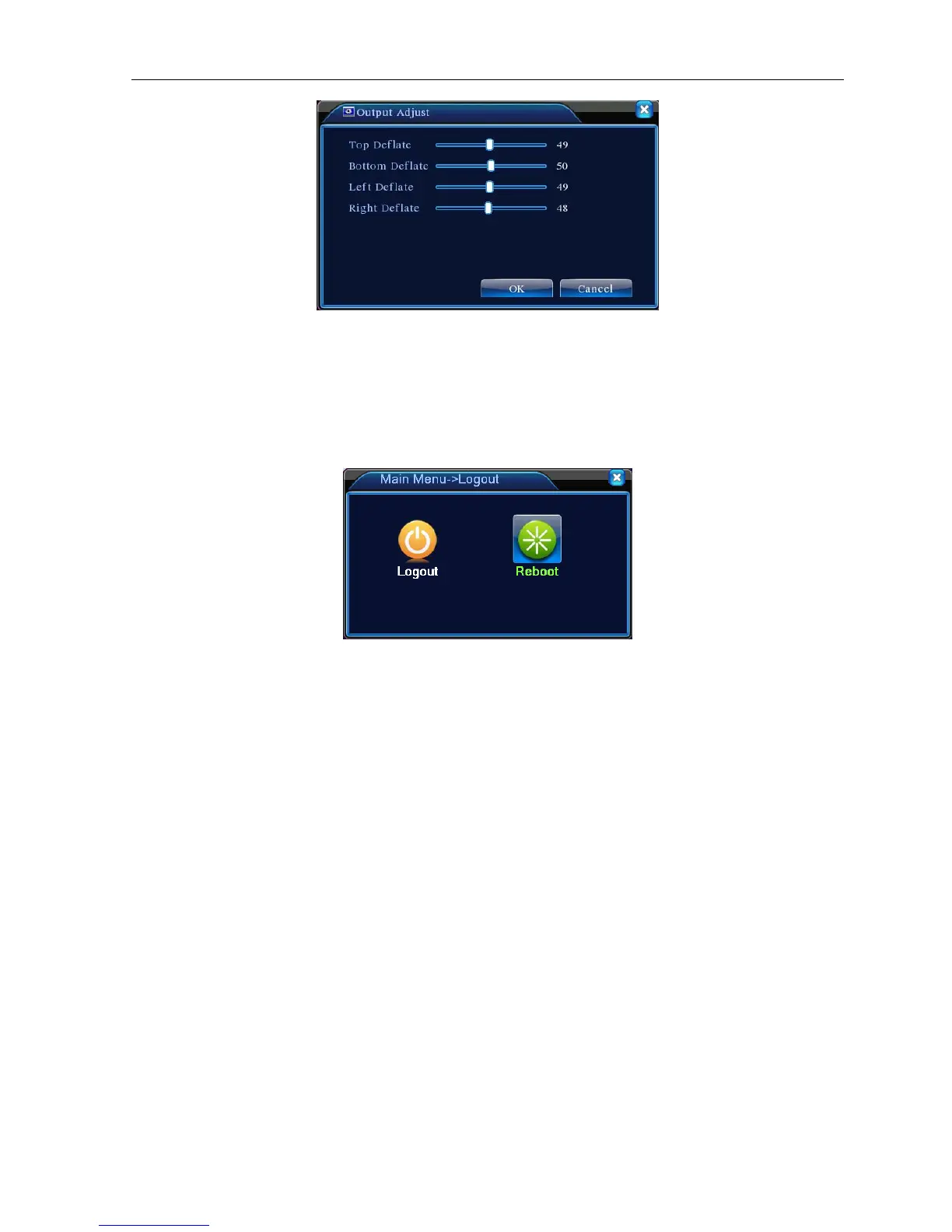
Picture 3.19 Output Adjust
3.5.7 Logout
Logout, shut down the system or reboot up. You can use the desktop shortcut menu or enter [main
menu].
Picture 3.20 Logout/Reboot the system
【logout】Quit the menu. Offer password next entrance.
【reboot】Quit the system. Reboot up the system..
3.5.9 Window switch
Preview in single window/four windows/eight windows/nine windows/sixteen windows according to your
choice.



 To Next Page