H.264 Network Digital Video Recorder User Manual
Page 42
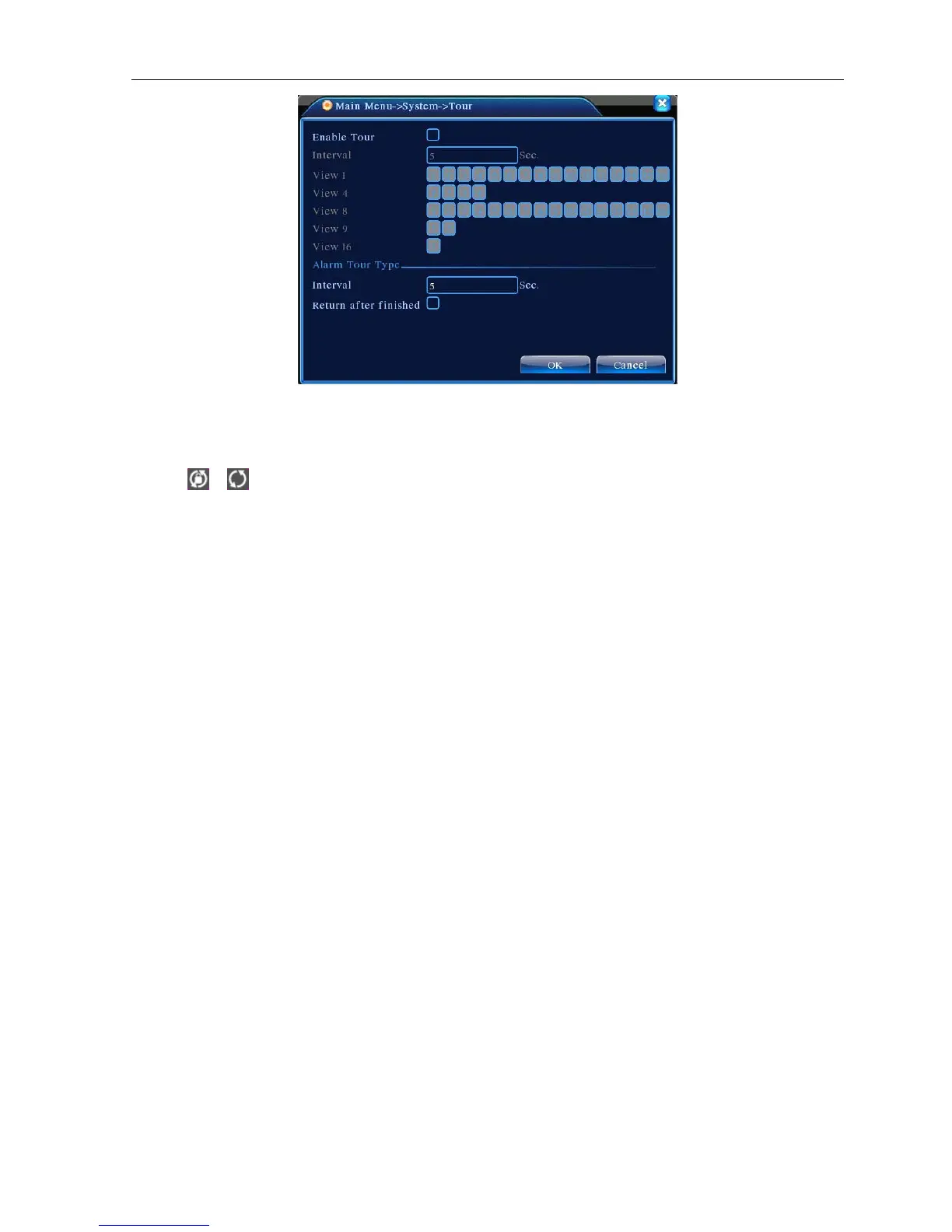
Picture 4.31 tour setup
【interval】Set the patrol switch interval. The set range is 5-120 seconds.
Note:
/ means turn off/on the patrol.
4.5 Advanced
4.5.1 HDD Manage
Configure and manage the hard disk. The menu displays current hard disk information: hard disk number,
input port, type, status and overall capability. The operation include: setup the write-read disk, read-only disk,
redundant disk, hard disk format, resume default. Choose the hard disk and click the right function button to
execute.
Note:Read/Write Disk:The equipment can write or read data.
Read-only Disk:The equipment can read data but can not write data.
Redundant Disk:Double backup the video files in the write-read disk.



 To Next Page