H.264 Network Digital Video Recorder User Manual
Page 30
Set method: refer to chapter 4.3.1. Motion detect
Note:"Advanced" button is the same as rightclick.
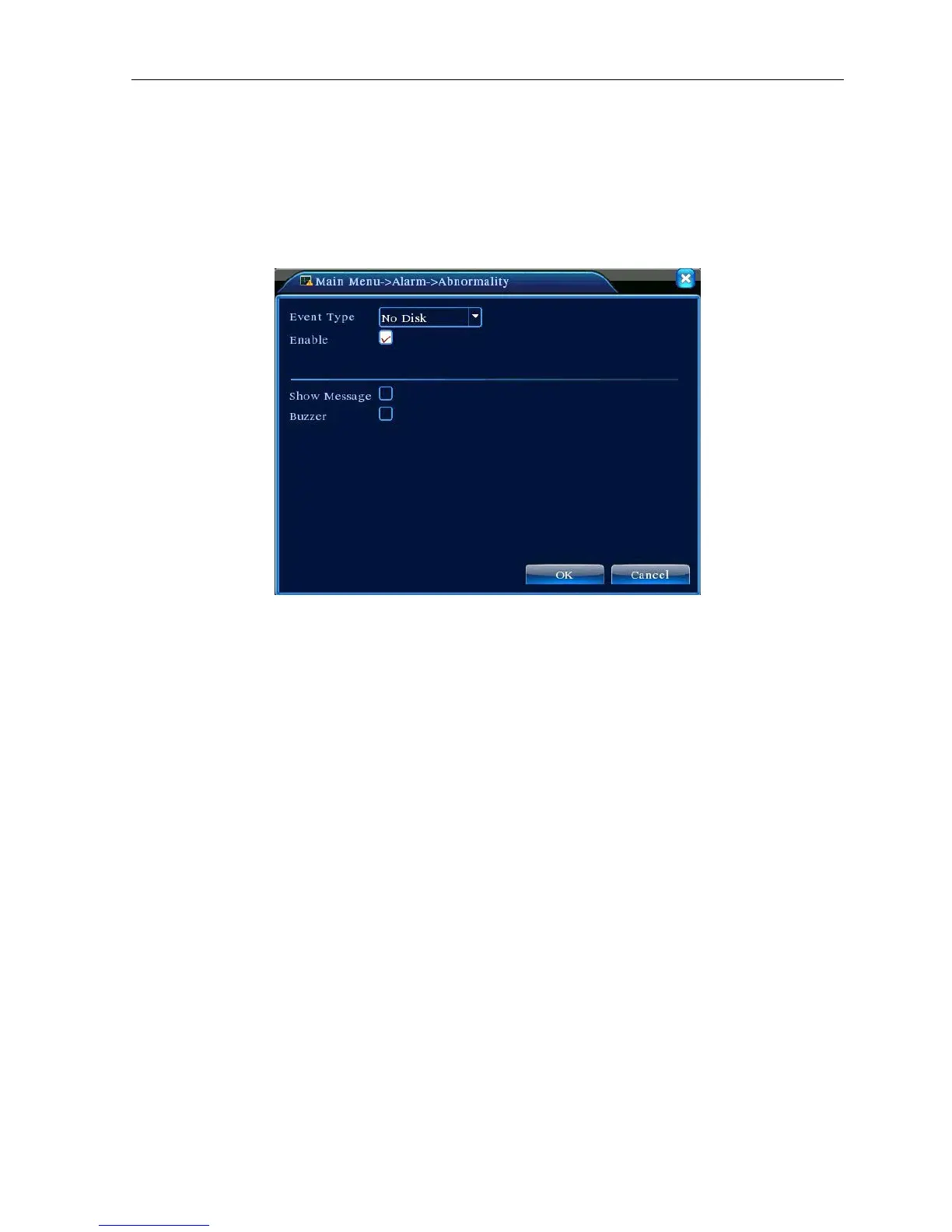
4.3.4 Abnormal
Analysing and inspecting current software and hardware of the device: When some abnormal events happen,
the device will make a relative answer such as show message and buzzer.
Picture 4.12 Abnormal
【Event Type】 selecting abnormity you want to inspect
【Enable】 Select it to make sure abnormal function workable
【Show message】 Automatically alarm cue dialog box come out of the main screen
【Buzzer】 Device will have two long nosie “di di” while alarm is happening
4.4 System setup
Set the system parameters such as General, Encode, Network, NetService, GUI display, PTZ config,
RS232 and Tour setup.



 To Next Page