H.264 Network Digital Video Recorder User Manual
Page 13
Picture3.3 Main Menu
3.5.2 Playback
There are two methods for you to play the video files in the hard disk.
1、 In the desktop shortcut menu.
2、 Main menu>Record->Playback
Note: The hard disk that saves the video files must be set as read-write or read-only state.(4.5.1)
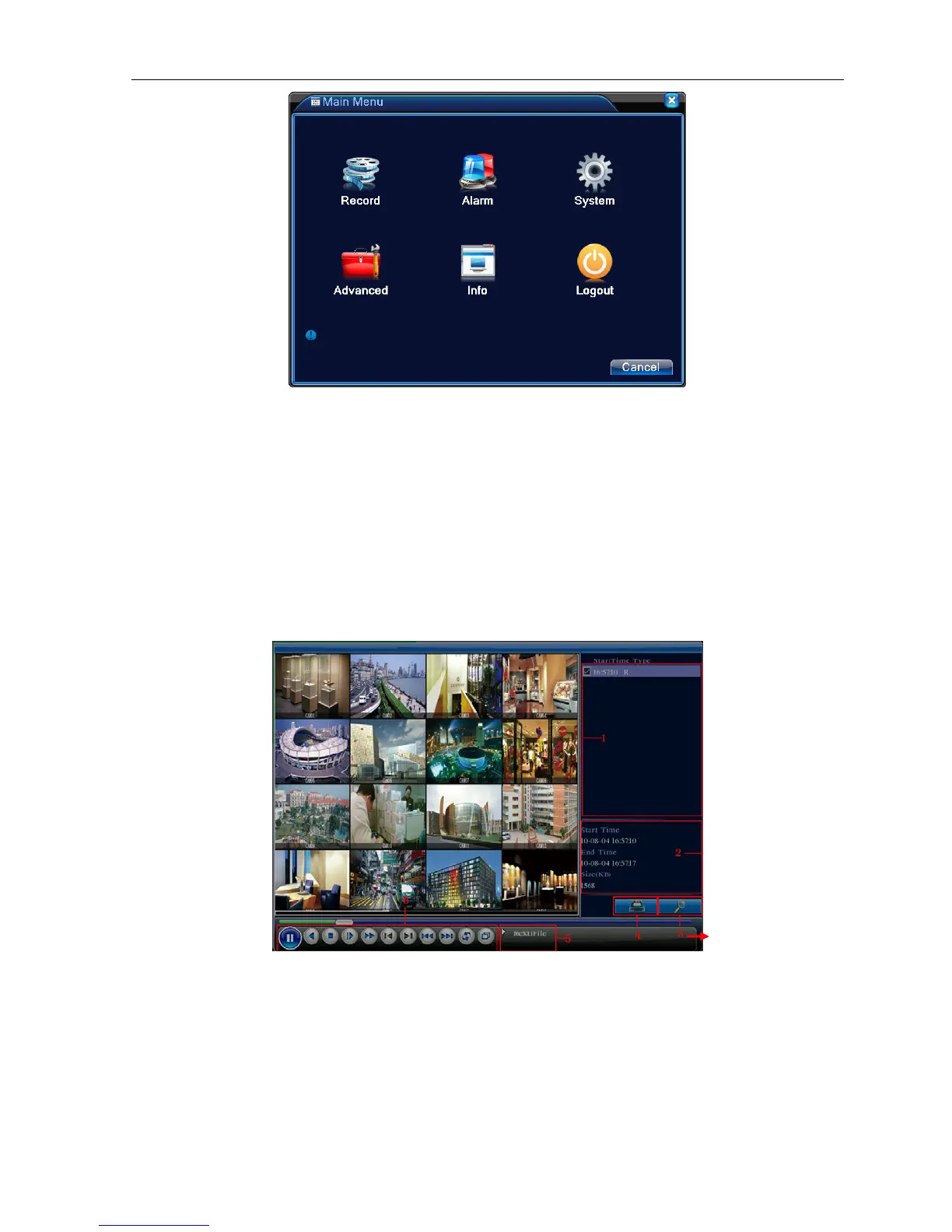
Picture 3.4 video playback
1. listed files 2. file information 3. file searching
4. file backup 5. Operation hint 6. Playback control
【Listed files】Look up the listed files that accord with the searching criteria.
【File information】Look up the found file information.



 To Next Page