H.264 Network Digital Video Recorder User Manual
Page 39
【Port】It’s a port of mobile monitoring which you need to make a router mapping of if want to visit it by mobile
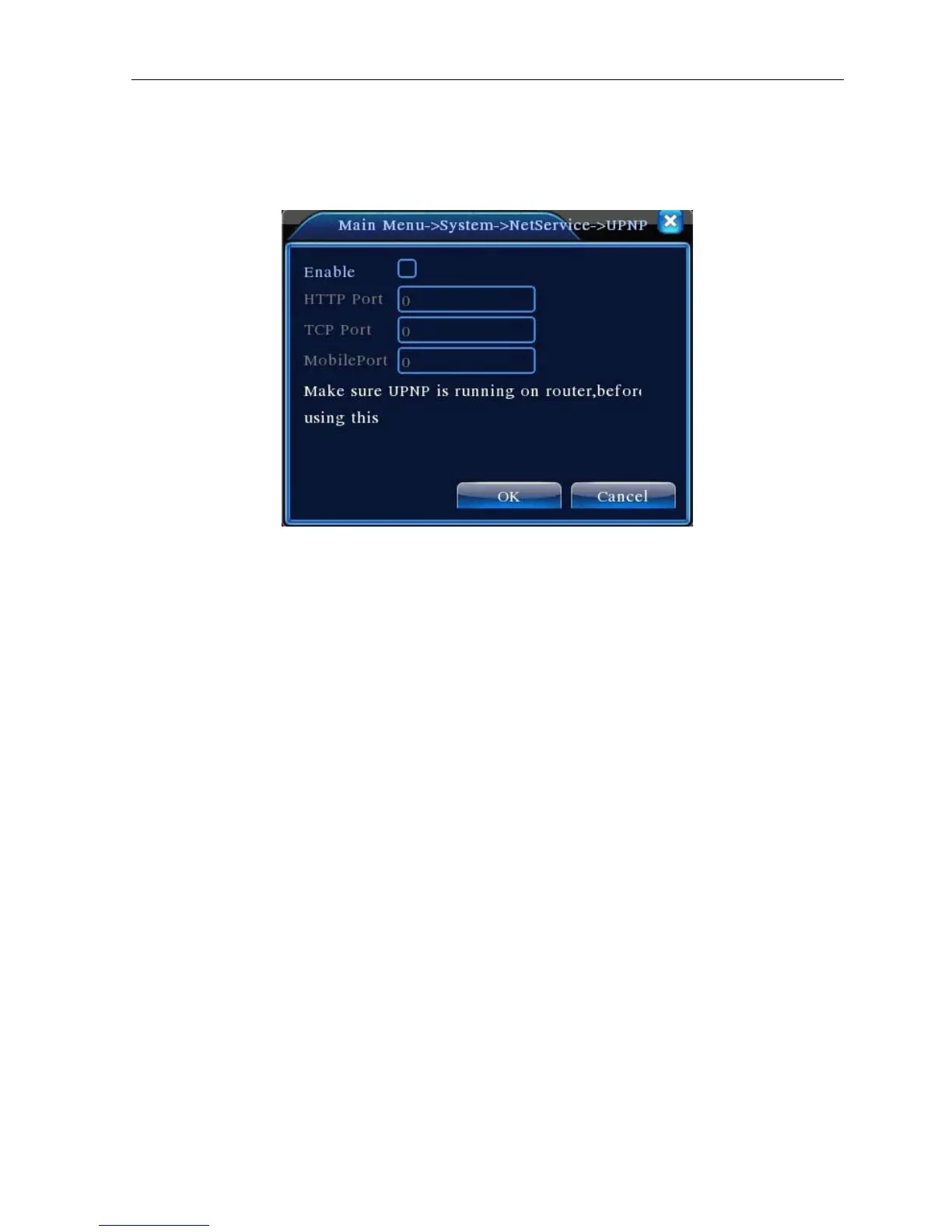
【UPNP】UPNP protocol can auto port forwarding on router,make sure UPNP is running on router before use
it.
Picture 4.27
【Enable】Choose Enable to make sure all UPNP settings available
【HTTP】Route will automatically distribute HTTP port for the device, when IE viewing, it need this port(e.g.
60.12.9.26:66)
【TCP】Router will automatically distribute TCP port for the device, when monitoring via CMS,it need this port
【Mobile Port】Router will automatically distribute Mobile Port for the device, when mobile monitor, it need this
port.
4.4.5 GUI Display
Configure the video output parameters including the front output mode and code output mode.
Front output:In the local preview mode include: channel title, time display, channel title, record status, alarm
status, bitrate info, transparency and region cover.
Code output:In the network surveillance and video file mode include: channel title, time display, channel title,
record status, alarm status, bitrate info, transparency and region cover.



 To Next Page