H.264 Network Digital Video Recorder User Manual
Page 32
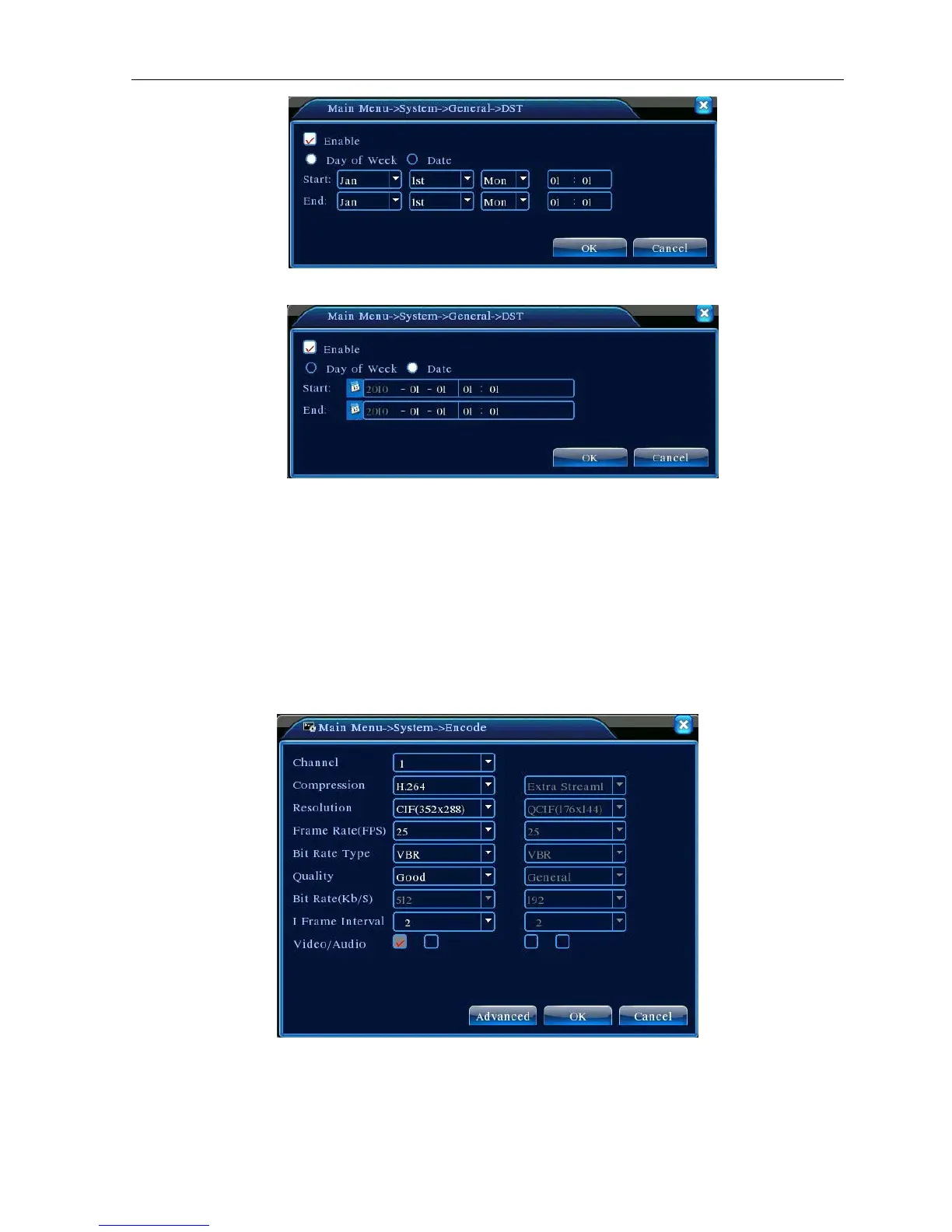
Picture 4.14 DST (week)
Picture 4.15 DST (date)
4.4.2 Encode setup
Set the video/audio code parameter: video file, remote monitoring and so on. Set every independent channel’s
coding parameter in the left part, and set the combine encode parameter in the right part.
Note: Combine encode introduces video compression technique which combines and compresses
multi-channel’s video to a special channel. Applying for multi-channel playback simultaneously, Dial-up
multi-channel real-time monitor, mobile monitor and so on.
Picture 4.16 Encode setup
【Channel】Choose the channel number.



 To Next Page