INDEX Page. 45 of 92
12.7 ALC with Flex-Radio (other SDR, Elecraft)
Since Flex-Radio transceivers, like any SDR equipment, do not have the necessary input
to receive the analog ALC signal from the amplifier, it is possible to manually preset the
transceiver output power at MAX, MID and LOW levels in order to avoid the danger of
over-driving the Expert.:
For every ham band three settings are allowed (storage memories):
• One setting for MAX mode.
• One setting for MID mode.
• One setting for LOW mode.
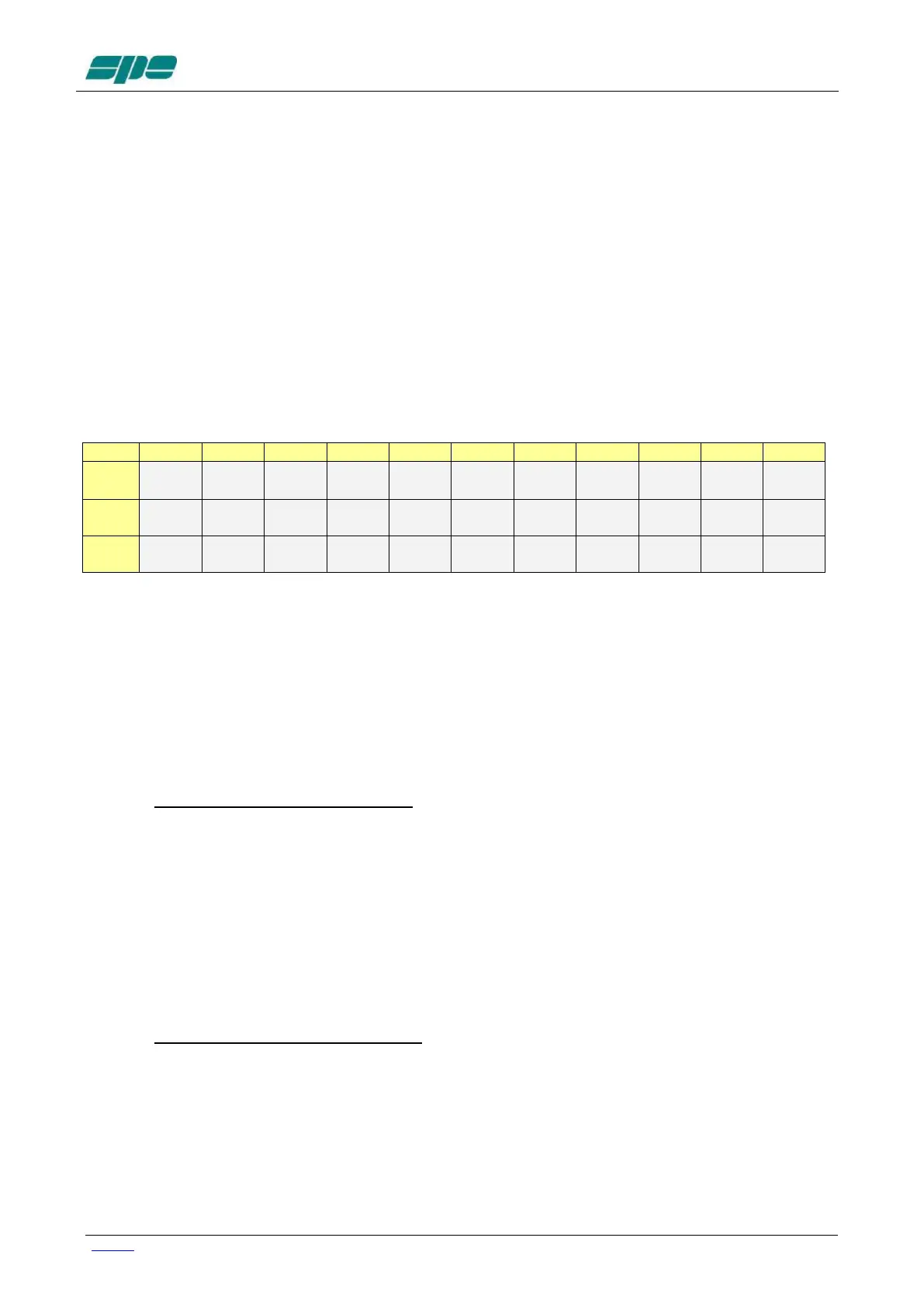
The following table shows an overall vision of these settings:
To set the memories proceed as follows:
1) Connect the CAT of the amplifier with the CAT of the Flex-Radio with the
appropriate cable (consult the respective manuals), then select the “FLEX-RADIO”
CAT in the Expert menu.
2) Switch to “OPERATE”.
3) Set the transceiver in the band of interest using the CAT.
4) Select LOW.
5) Without going into transmission, press one of the two arrow keys ([◄▲] [▼►]) on
the EXPERT keyboard, an indication will appear on the Status Bar (above the
BAND label) with the following format "[PC=xxx]" where xxx is a numerical value
ranging from 000 to 100 which represents the Pout level (expressed as a
percentage) of the transceiver relative to the set band at LOW mode.
6) Using the arrow keys ([◄▲] [▼►]) you can decrease / increase the value
presented to reach the desired Pout level.
It is advisable to initially start from low values (e.g. 005) and then gradually
increase, this is to avoid overdriving the linear.
At the end of the setting you must wait (about 3 seconds) for the “[PC:xxx]”
indication to disappear.
7) Then go to transmit (RTTY, CW) to check the output power obtained.
If you have not reached the desired Pout, return to point 6 until you reach the rated
level or lower (don't overdo it, you risk putting the amplifier into compression).
8) Select MID and repeat steps 6 and 7.
9) Select MAX and repeat steps 6 and 7.
10) Repeat steps 3, 4, 6, 7, 8, and 9 for each available band.
End of programming.



 To Next Page