INDEX Page. 80 of 92
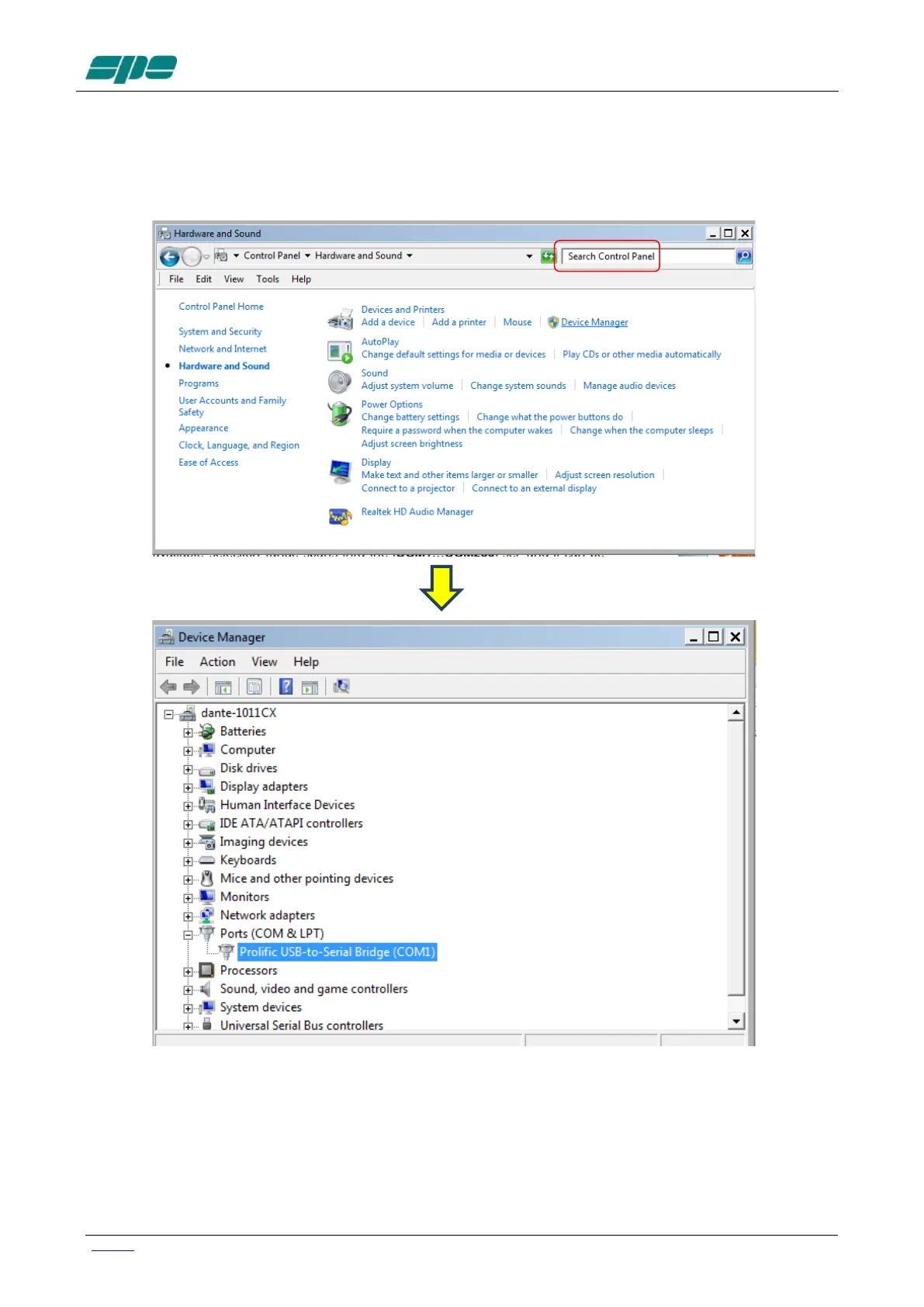
With all your serial resources properly connected, proceed to the Control Panel >>>
Hardware and Sound >>> Device Manager and choose a serial COM listed in the
hardware configuration that is not used by other applications.
In the case that USB-to-RS232 serial converters are being used, as shown in the picture
above, please proceed, as explained below, to check all the COM ports polled by the
system.



 To Next Page