User’s manual EXPERT 1K-FA
Pag. 58 of 76
When either in
STANDBY
or
OPERATE
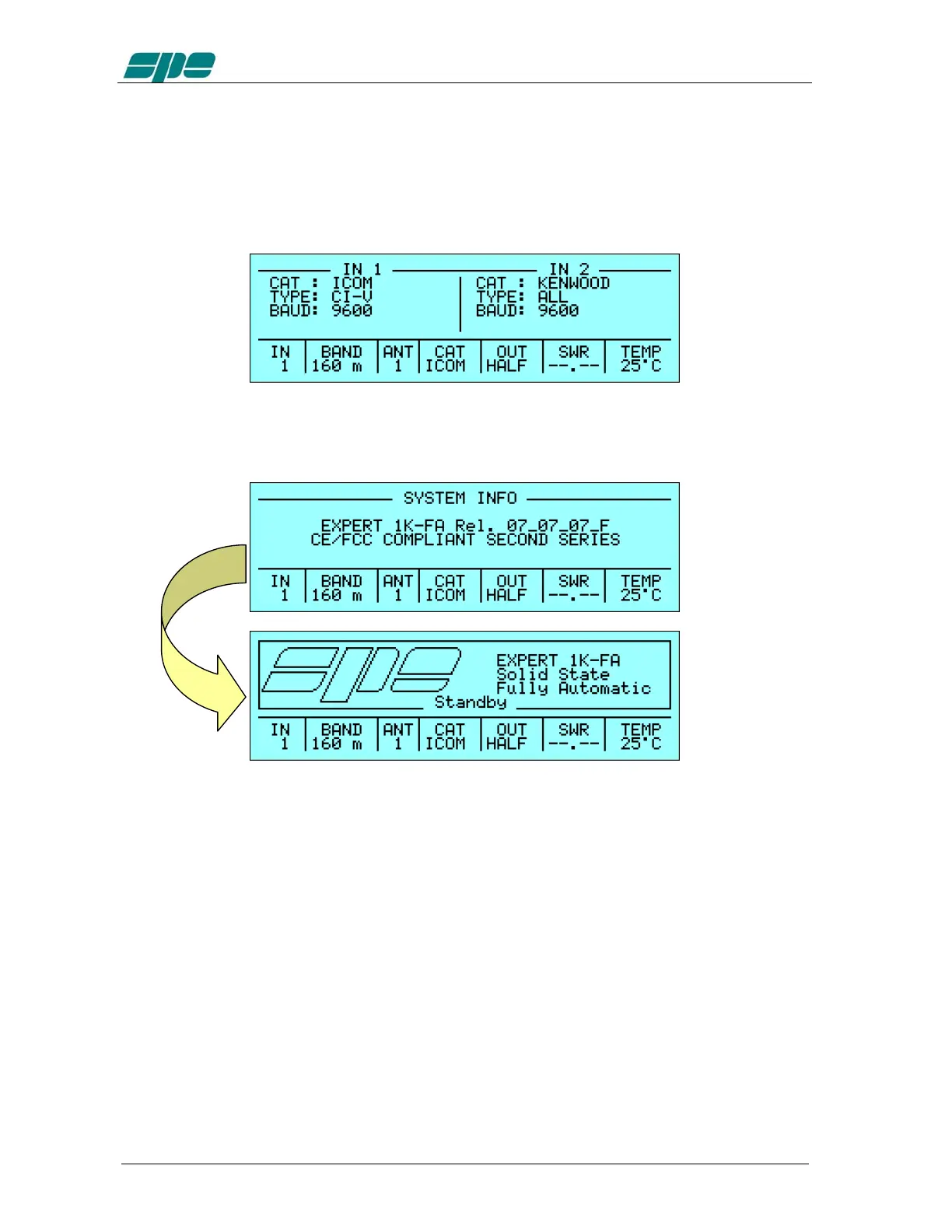
mode, at any time a short report about the
CAT settings related to the two inputs can be obtained by simply pressing the [CAT] key
and keeping it held down; an info display screen with a short summary, like the
following, will be shown in which it can be seen that:
· An ICOM CAT CI-V interface running at 9600 baud is set for Input 1
· A generic KENWOOD CAT interface running at 9600 baud is set for Input 2
The [CAT] key has another informative functionality. It is used to show the firmware
relase version too: by shortly releasing it and pressing it again a new display info page,
like the following, will be shown while it is held down:
By relasing the [
CAT
] key, the original display page will be shown again (in this example
the
Main Display Page
).



 To Next Page