SpectraPure
®
SpectraPure
®
Inc.
480.894.5437 Call us toll-free 1.800.685.2783
2167 East Fifth St, Tempe, Arizona 85281
29
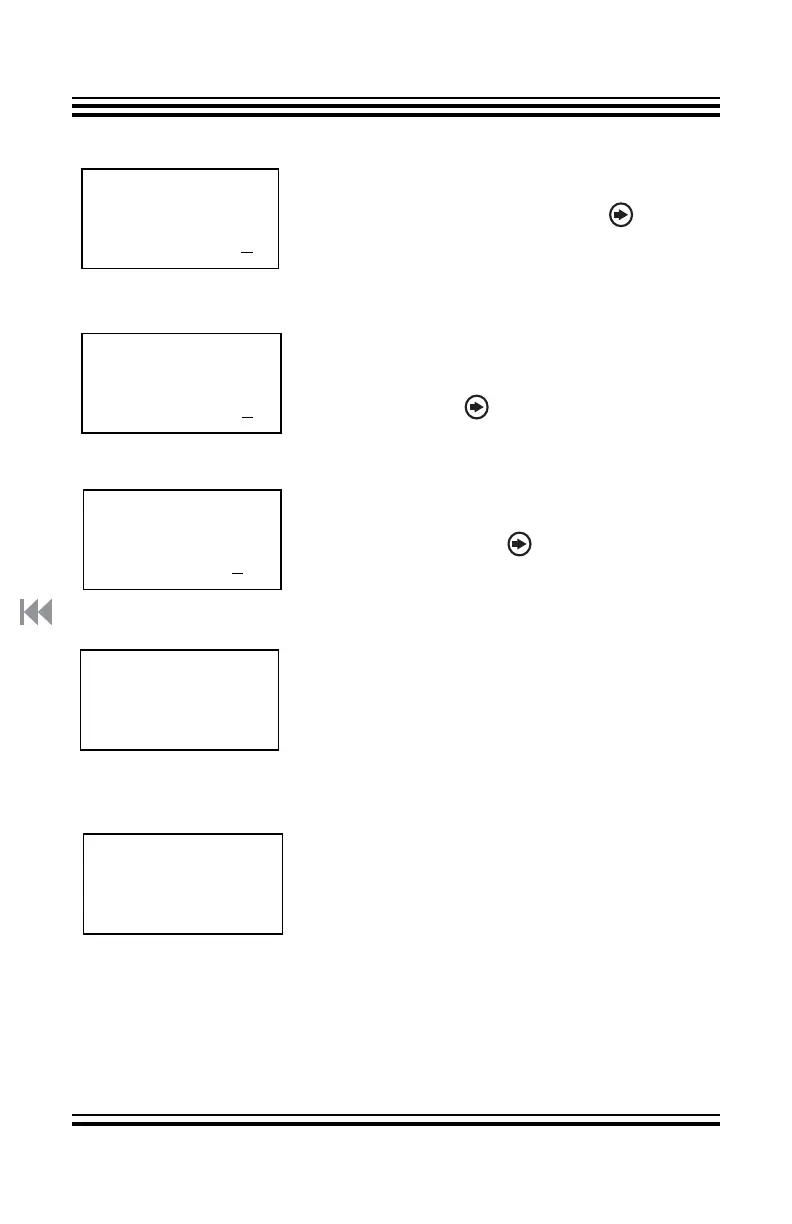
A: Calibration
Max Rate (ml/m)
Stop 100ml? >
When the level in the graduated cylinder
reaches the 100 ml. line, press the button
again to complete the Max Rate test. Empty
the cylinder.
A: Calibration
Min Rate (ml/m)
Start 100ml? >
Again, use the100 ml. graduated cylinder.
Direct the output of the pump into the
cylinder. Press the button to begin the test.
A: Calibration
Min Rate (ml/m)
Stop 100ml? >
When the level in the cylinder reaches the
100 ml. line, press the button again to
complete the Min Rate test.
Max= XXXX
Min= XXXX
The LM4 will briefly display a page with the
calibrated maximum and minimum rates.
These values may help our Tech Support in
diagnosing any problems you may have.
Max and Min Rates for all four pumps can be
seen at “System” > “Info”.
A: Calibration
Complete.
The screen will now return to the
beginning of the Calibration process.



 To Next Page