SpectraPure
®
SpectraPure
®
Inc.
480.894.5437 Call us toll-free 1.800.685.2783
2167 East Fifth St, Tempe, Arizona 85281
32
This can serve as a “sanity check” if you
are experiencing erratic or inaccurate
operation.
Factory Reset values are 180 and 45.
LM4-XXXX
192.168.4.1
[Local Router]
LM4’s IP Address
The “System” page lists “Inputs”, “Networks”, and “Calibrations”.
Inputs: With the cursor under the “S” in System, press to move
down to the “ > ” to the left of “Inputs”. Press to enter the “Inputs”
page. Se
e “Inputs Page on the LM4” and “Some Input Examples”
for more on using the
Inputs functions.
Networks:
Press twice to move down to the third line of the
display, “>
Networks”. Press to enter the “Networks” page.
Press to return to the “System” page.
Calibrations: Press three times to move down to the fourth
line of the display, “> Calibrations”. Press to enter the page.
The LM4 displays the maximum and minimum calibrated flow
rates (ml/min) for all four pumps:
A = Max Min
B = Max Min
C = Max Min
D = Max Min
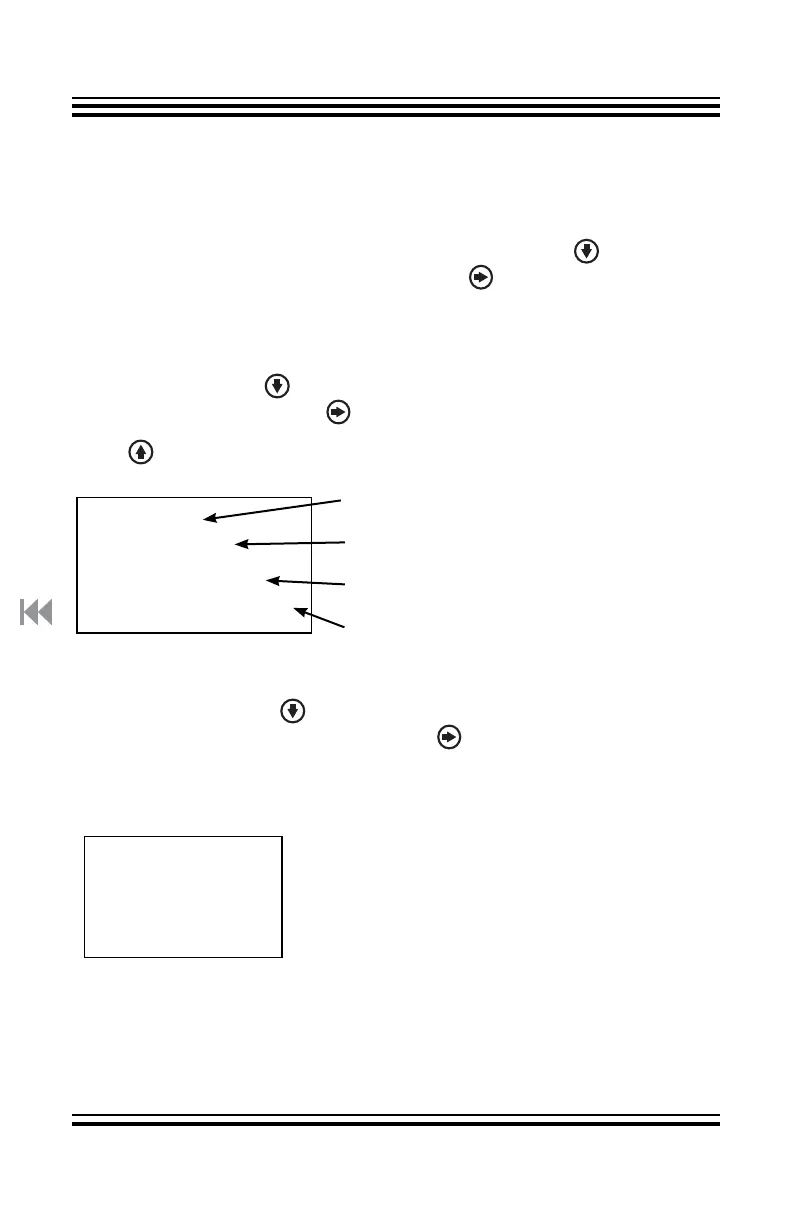
System Page on the LM4:
Private Network
Private IP Address
Router Name, if Used
Assigned by Router, if Used



 To Next Page