SpectraPure
®
SpectraPure
®
Inc.
480.894.5437 Call us toll-free 1.800.685.2783
2167 East Fifth St, Tempe, Arizona 85281
33
Normal ReStart Sequence: (w/ Valid WiFI Creds)
After a ReStart, the LM4 will display these screens:
Acquiring Time
thru Router at:
(Local Router)
(LM4’s IP Address)
You will be able to automatically connect to
the LM4 now and after future ReStarts with
your PD, using the local network router and
an IP address created by the router (DHCP)
for the LM4.
After acquiring the time, the LM4
will display
the SSID of the local router. Use the IP
address in a browser to connect to the LM4.
Continue on to “LiterMeter 4 Basic Operation”
and/or “Settings Page on a Personal Device”.
If you missed the IP Address, just ReStart the
LM4 and note it on the display, or see “System
Page on the LM4”.
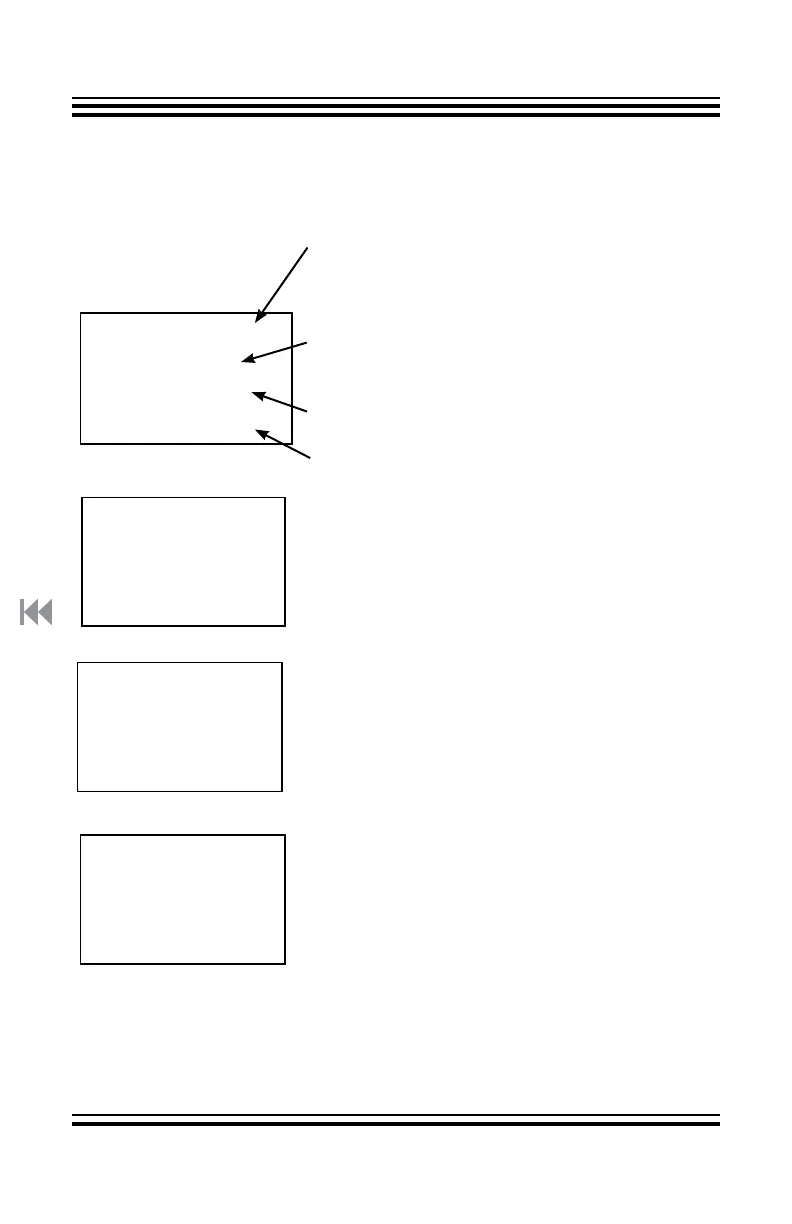
SpectraPure
LiterMeter 4
ALL PUMPS OFF
Ver:
LM4-2XXXXX
ID:
LM4-XXXX
Using Router,
in Master Mode.
Current version of the firmware.
It can be updated.
See “System Page: Firmware Update”.
ID number for the LM4. It will be a unique
4-digit number, not XXXX.
Status of Router/No Router Mode.
Status of Master/Remote Mode.
The LM4 uses its stored WiFi
credentials to auto-connect to the
local router.
If Auto-Connect IS successful:
What can go wrong? See next page . . .
Network SSID:
LM4-XXXX &
Browser URL:
192.168.4.1



 To Next Page