ACTIVE BOXES
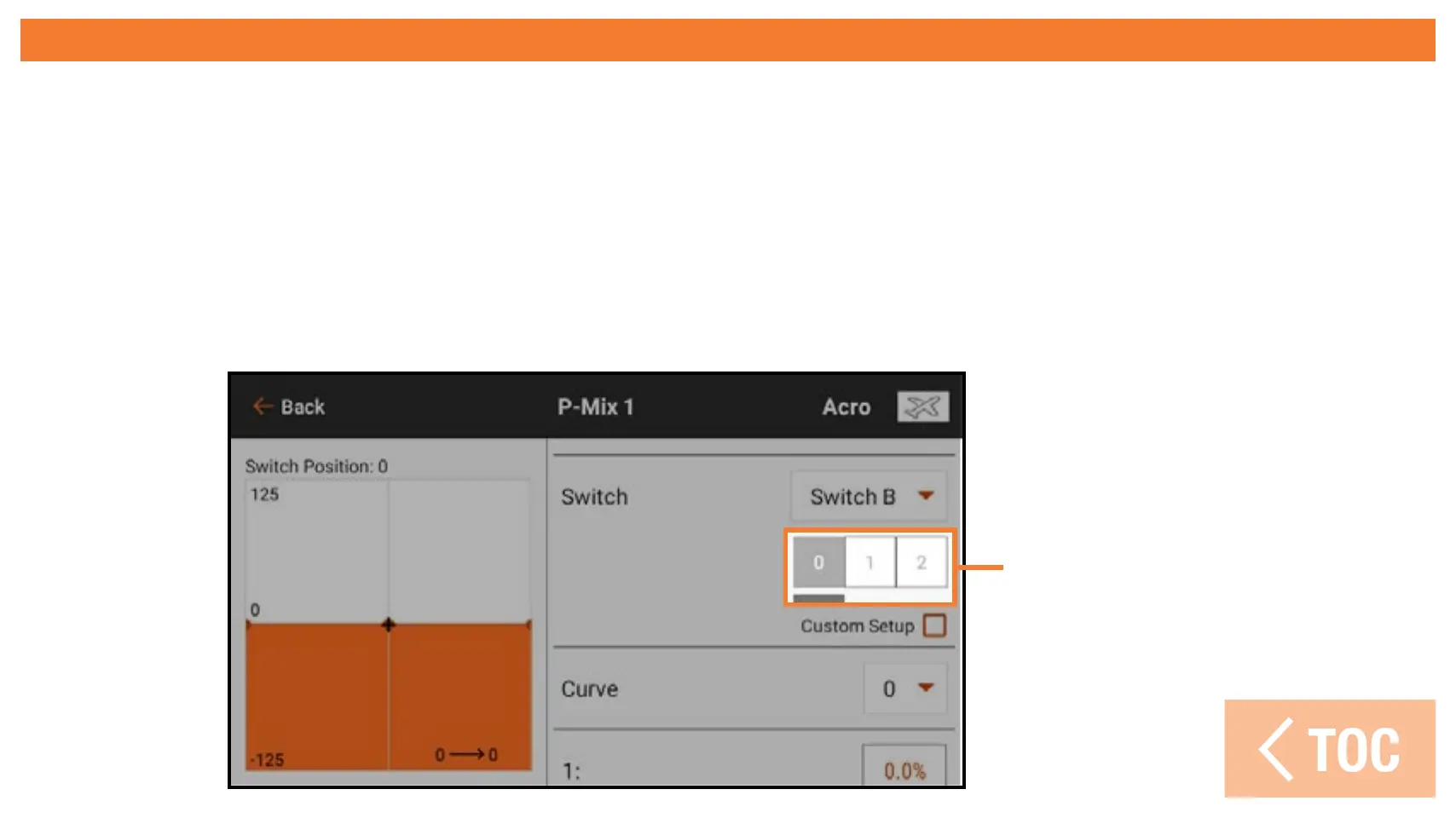
Many of the iX14+ menus include Active Boxes. These boxes represent switch
positions when the value or condition being shown will be active or inactive.
The active box appears grey by default, indicating the curve or condition is active
at this switch position. The switch position directly corresponds to the curve or
condition. At switch position 0, curve 0 is active. At switch position 1, curve 1 is
active and so on.
Active Boxes



 To Next Page