2
3
4
1
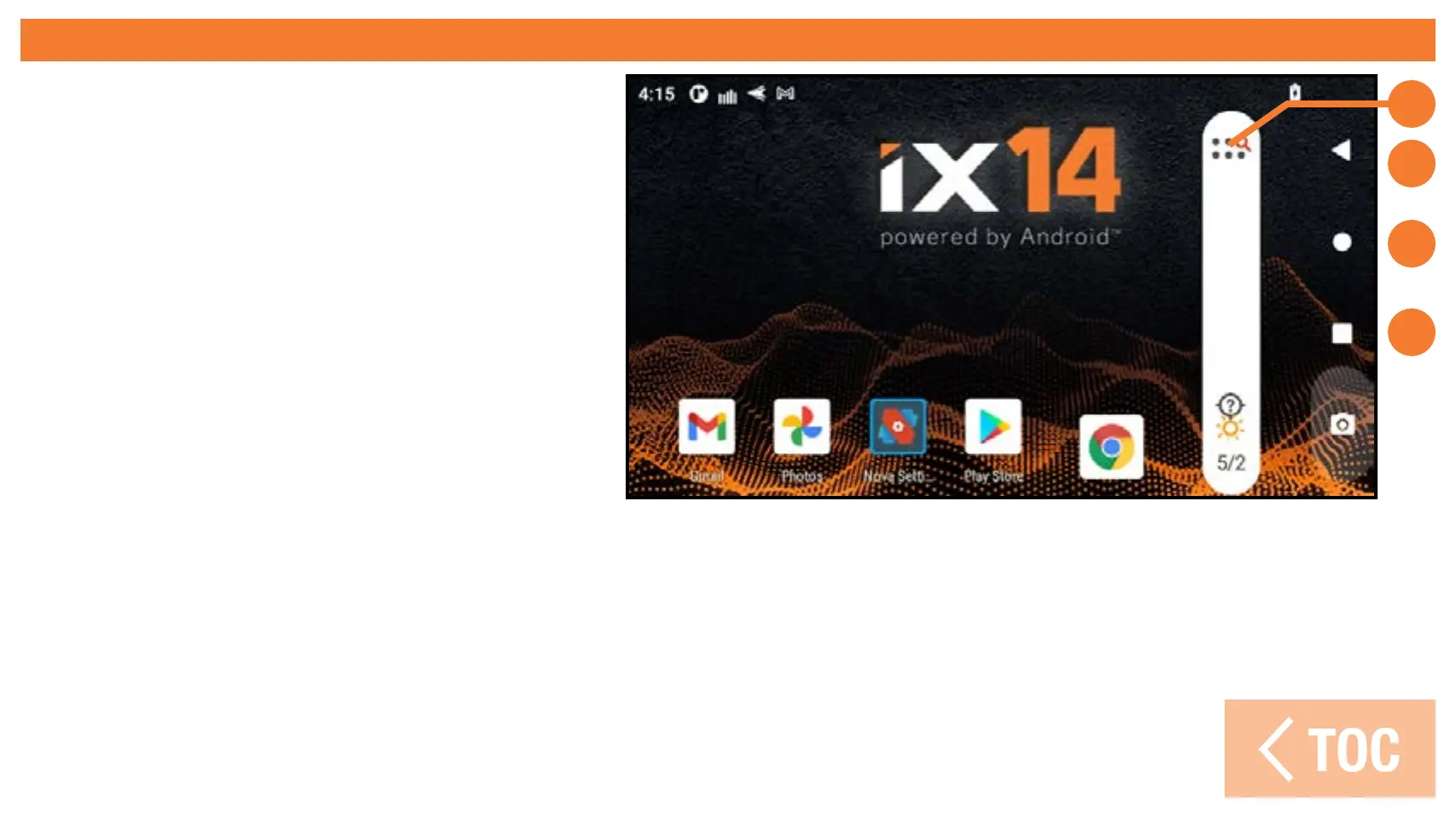
ANDROID HOME SCREEN ELEMENTS
1. All Apps: Swipe up from the
bottom to access a list of the
apps loaded on the iX14+.
2. Back: Return to previous
screen.
3. Home: Return to the home
screen.
4. Overview: Allows switching
between any active applications.
Remove any apps from the active list by swiping up.



 To Next Page