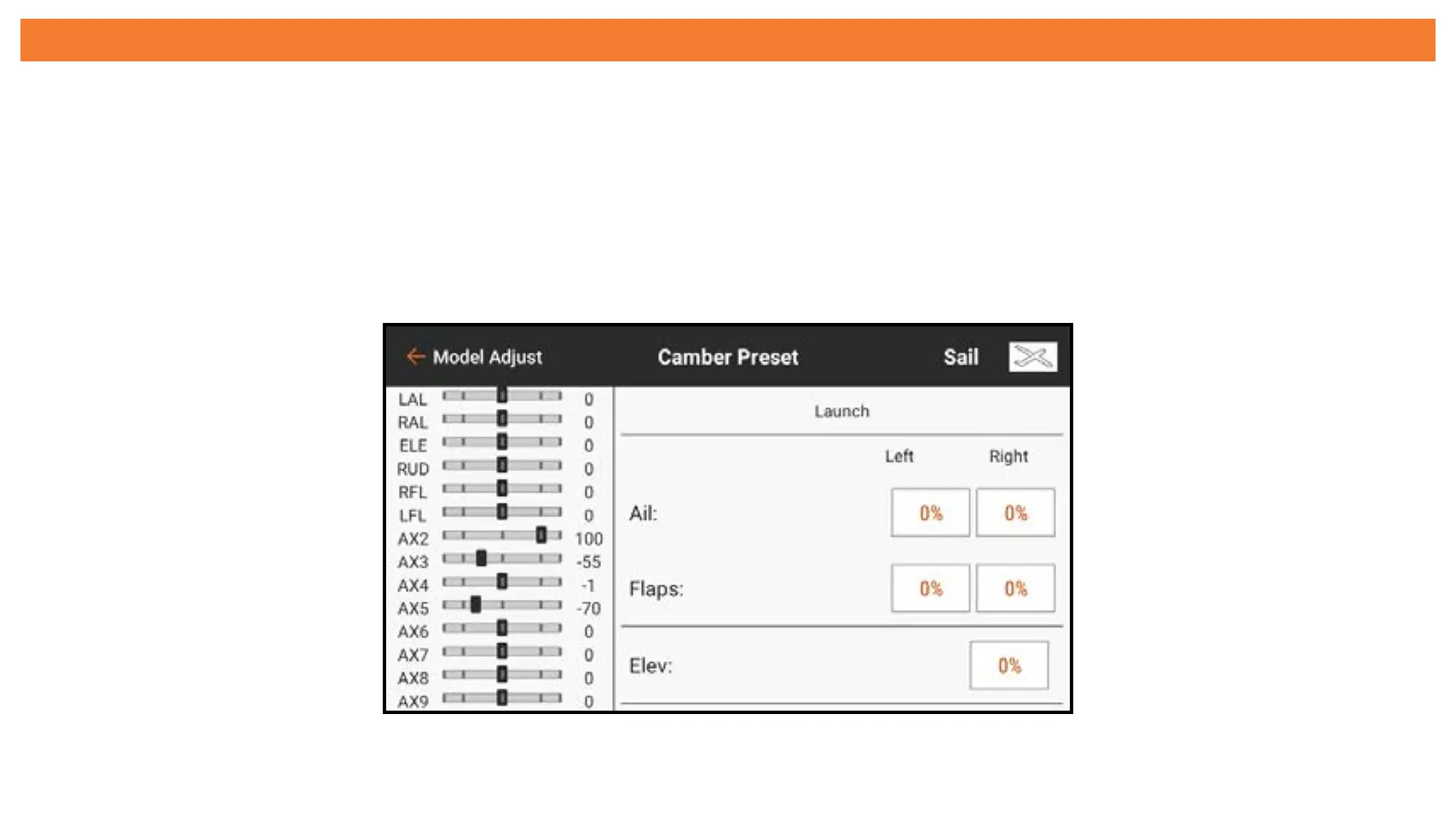
CAMBER PRESET
The Camber Preset menu is activated when the model type is set to Sailplane and when
one of the multi-servo wing types is selected in Sailplane Type in the Model Setup menu.
The Camber Preset function allows for programming of the ailerons, flaps (if assigned),
wing tips (if assigned) and elevator for a specific position in each flight mode. If flight
modes are not active, only one preset position is available and is always active.
Move the flight mode switch to the desired position to change the camber preset values.



 To Next Page