TOUCH SENSITIVITY
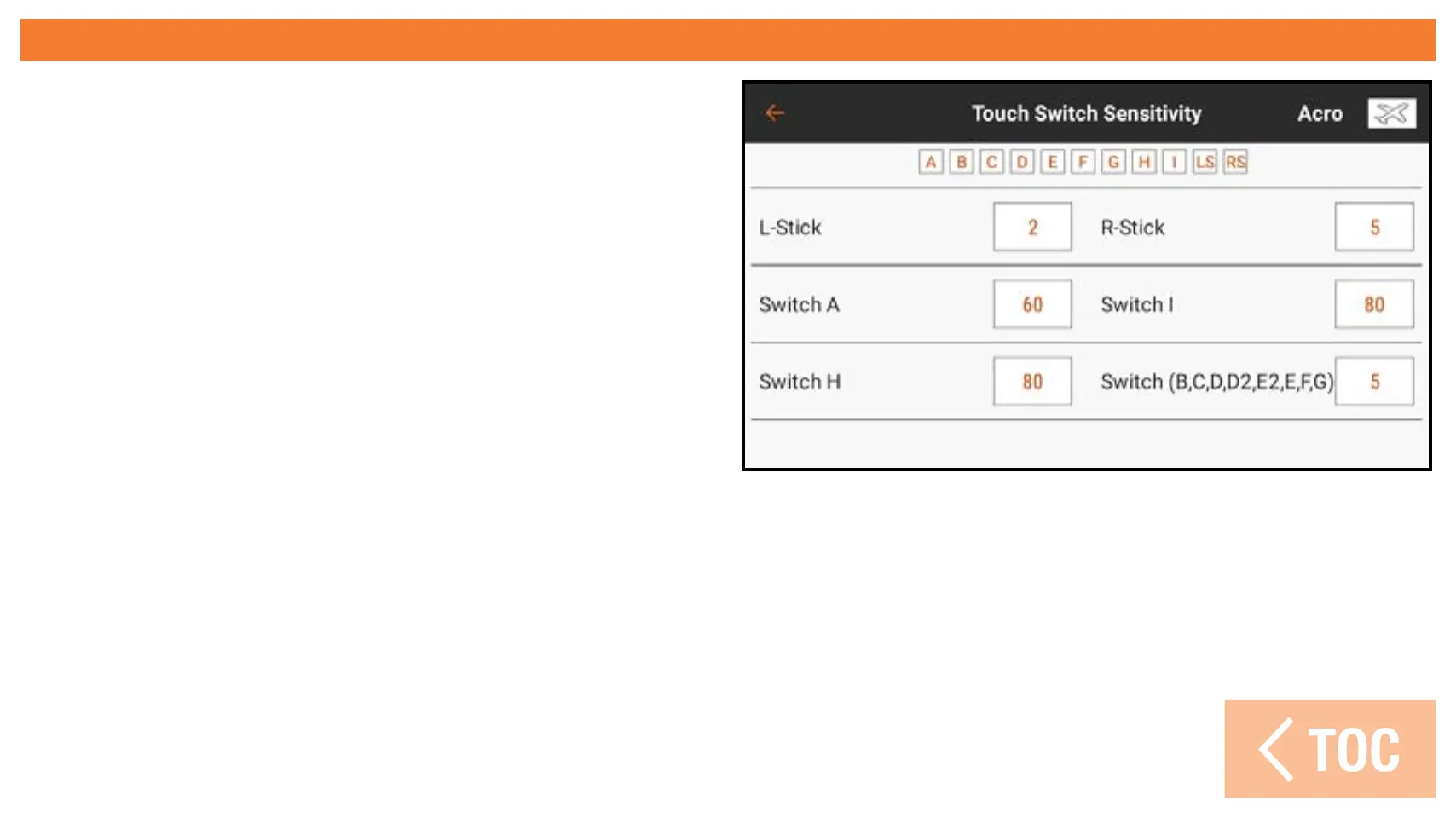
Touch Touch Sensitivity in the
Calibration menu to adjust the switch
sensitivity for touch reports.
The small boxes across the top of the
menu screen allow you to test the
sensitivity of each switch. When you
touch the listed switch, the box fills in,
indicating a touch.
Adjust the sensitivity level by touching
on the value to be adjusted, dragging the
slider up or down, and selecting OK.



 To Next Page