CALIBRATION
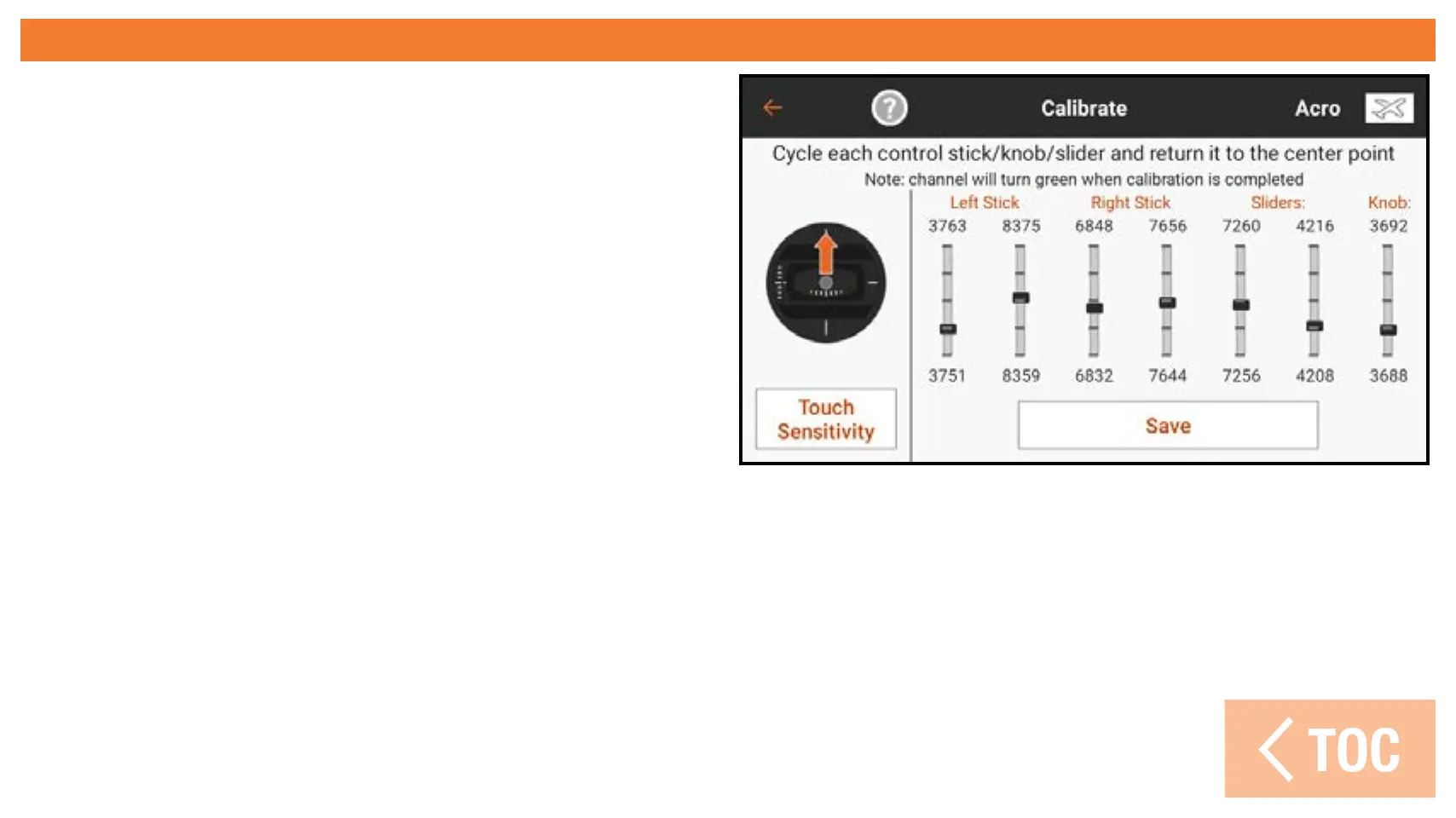
The Calibration menu allows the user to
ensure the analog input devices (control
sticks, sliders, and knob) are working
properly. To complete the calibration
procedure, move every control to the
extreme and return it to center. The
screen shows a graphic representation
of each input. The indicator turns green
when the range of movement of each
control is confirmed. The control must be centered for the indicator to stay green.
Select Save when all the indicators are green.
Calibration is required any time a stick mode change is performed.



 To Next Page