DASHBOARD SETUP
Touch the Dashboard Setup button at the top of the telemetry list to modify the
telemetry dashboard display.
1. Select the current panel or touch the
to add a new panel.
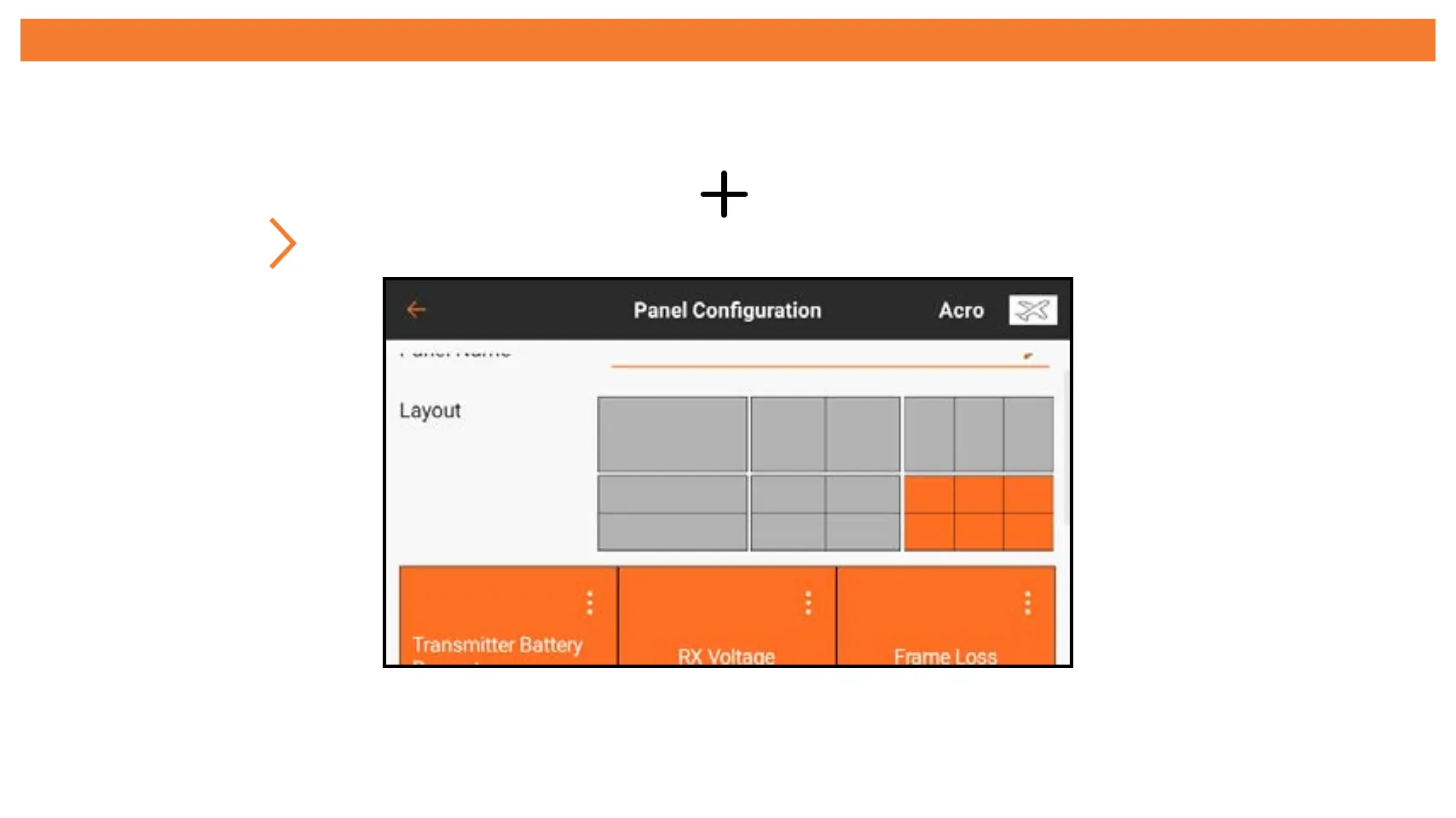
2. Touch the (
) to open the panel configuration menu.
3. Enter a name for the panel display.
4. Select a layout. Any active sensors will show up in the bottom display.



 To Next Page