THROTTLE HOLD
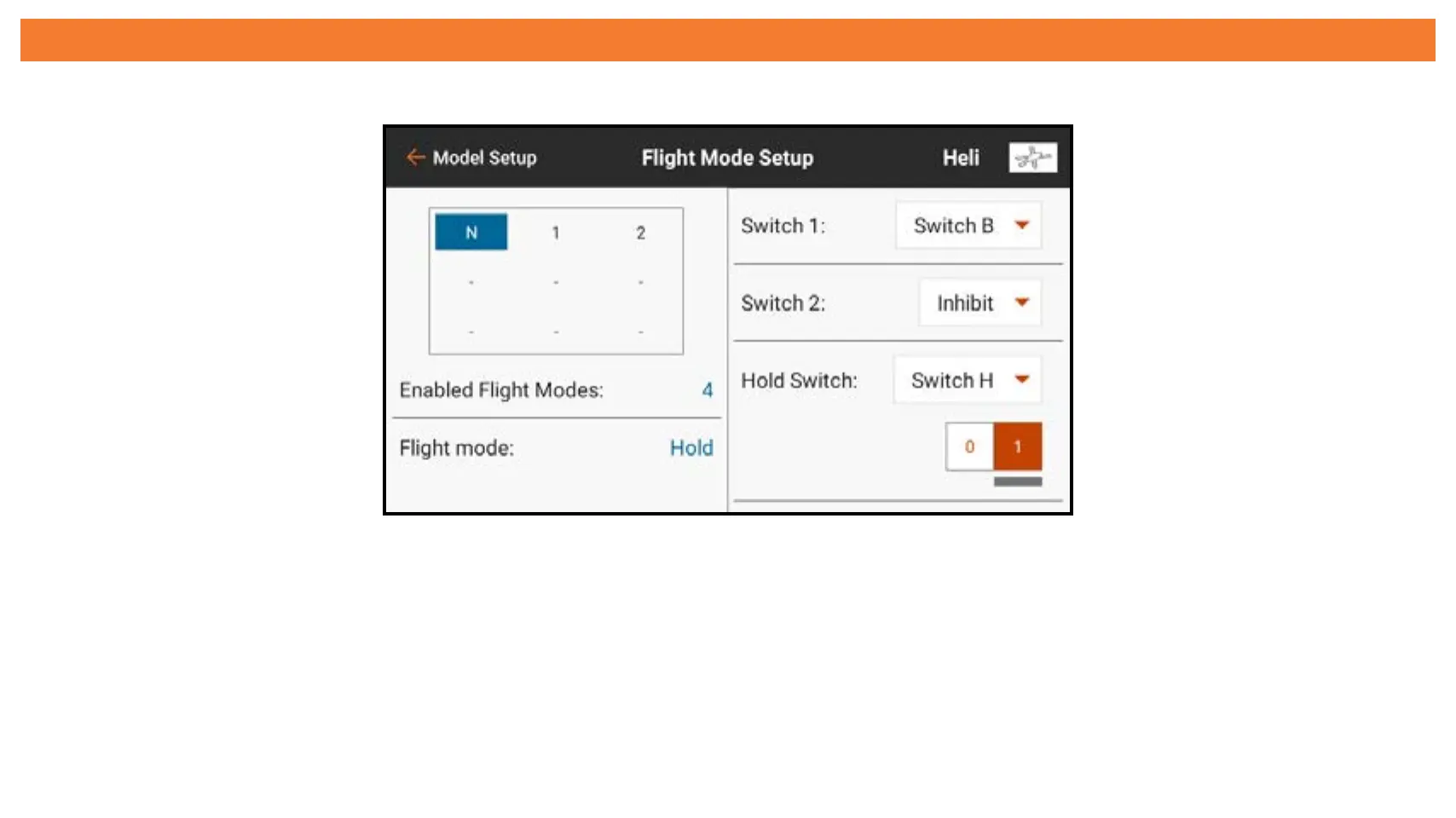
Throttle Hold must be enabled in Model Setup, Flight Mode Setup by selecting a
Hold Switch.
Once enabled, Hold appears as one of the flight mode options in the Throttle Curve
and Pitch Curve menus. The throttle hold flight mode has two main components,
the throttle curve and the pitch curve. Setting the Hold throttle curve at a constant
value (flat curve), establishes the idle or power off setting. The pitch curve is a
dedicated curve set up to allow for autorotations.



 To Next Page