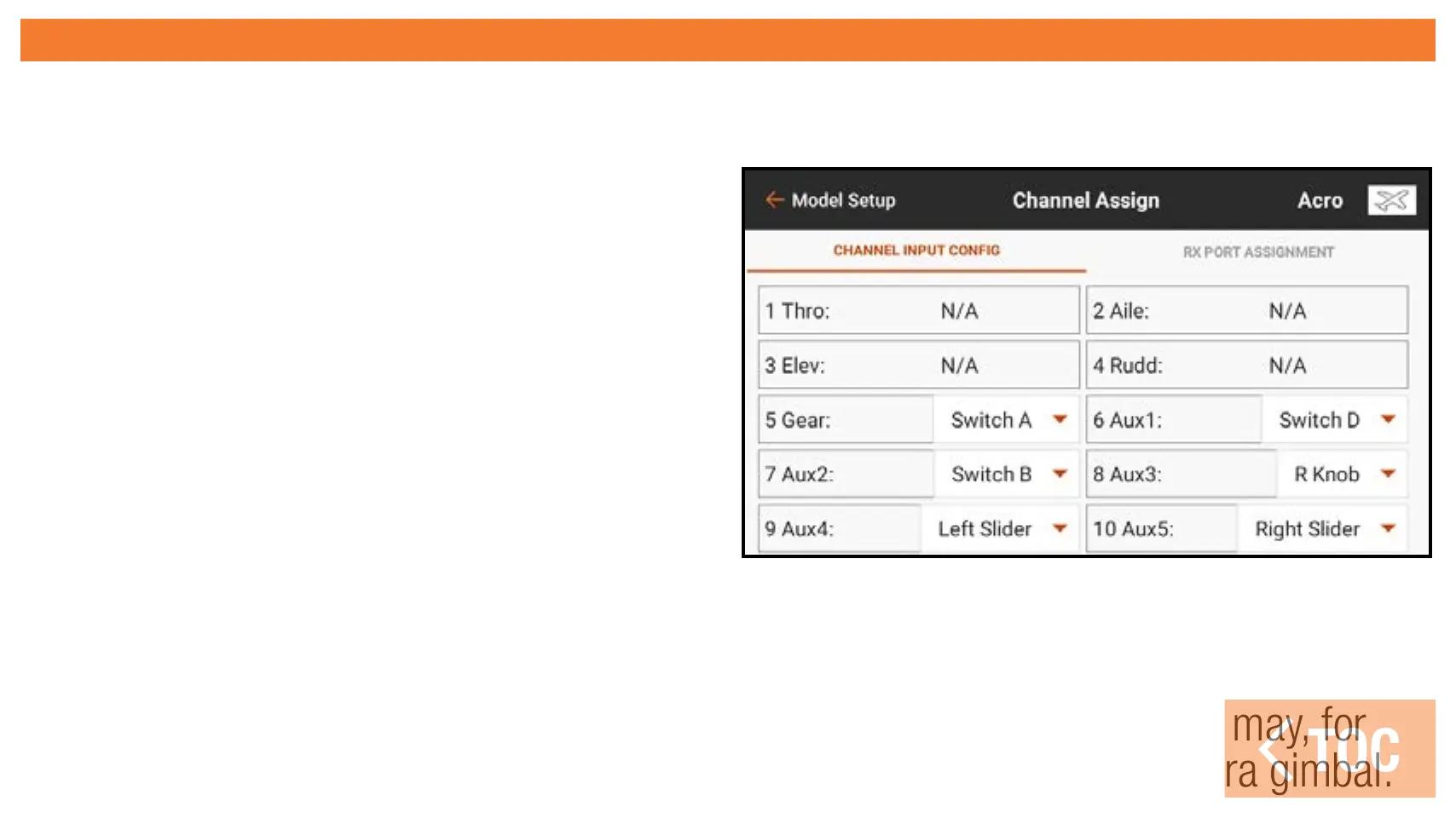
CHANNEL INPUT CONFIGURATION
In the Channel Input Configuration menu, all but the primary flight controls are available
for assignment, indicated by a drop down menu button next to each channel.*
1. Touch the drop down button next
to the channel to open a switch
selection menu.
2. Select the desired input device. A
single input device can be assigned
to multiple channels.
* The primary flight controls are available for assignment when a multirotor model
type, with the FPV Racer option off, is active. In this case, the channel input
configuration is dependent upon the flight mode switch position, allowing one
flight mode to have normal primary controls while another flight mode may, for
example, release the throttle stick to be used as tilt control for a camera gimbal.



 To Next Page