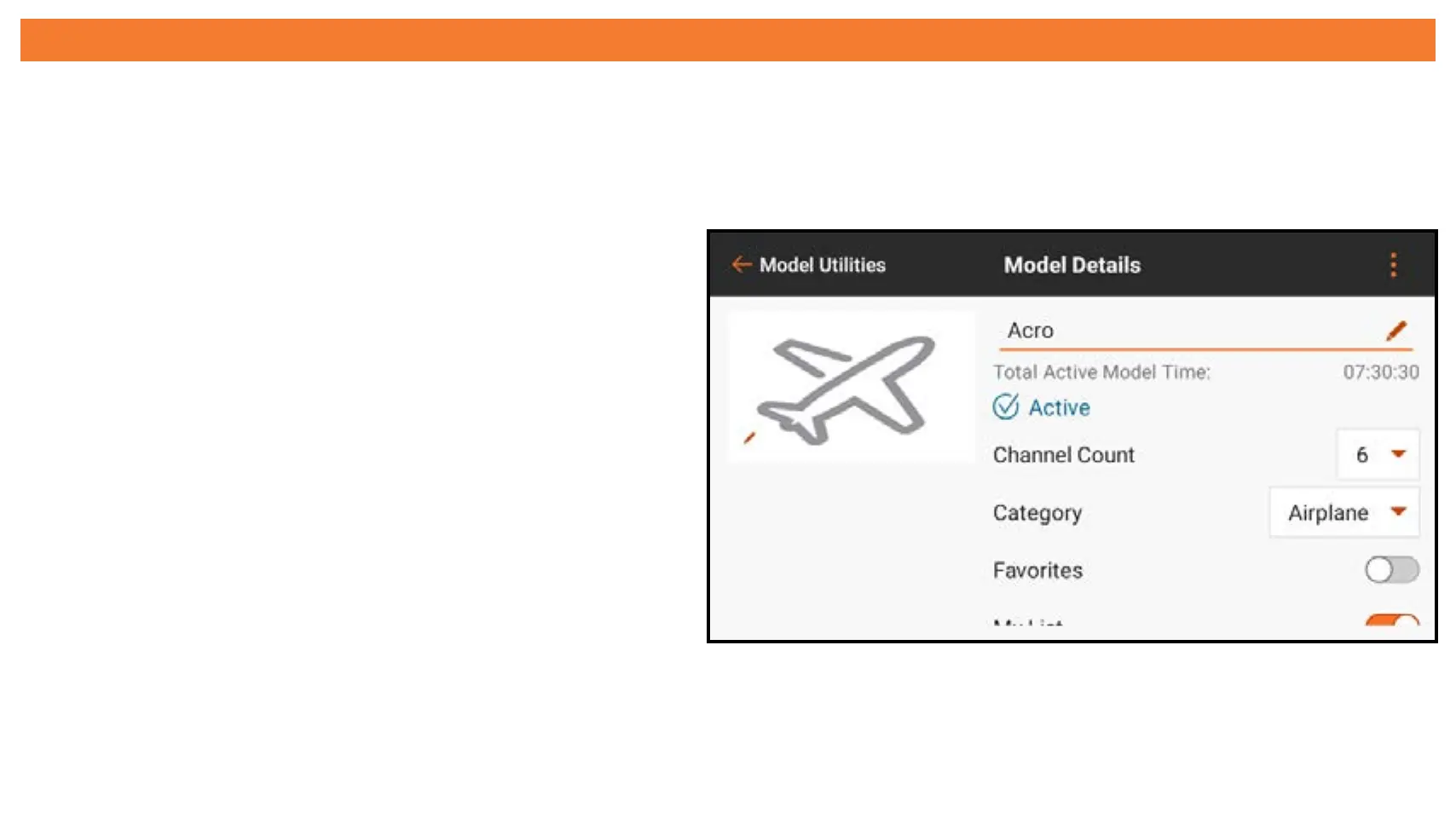
MODEL DETAILS
Access the Model Details menu by touching to select a model from the Model
Utilities menu list. The model selected must be the active model for the full menu to
open. If it is not the active model, touch SELECT/ACTIVATE MODEL to activate it.
Use the Model details menu to:
• Change the Model Name
• Change the Model Image
• Change the Channel Count
• Change the aircraft Category
• Change the aircraft Subcategory
• Designate the model as a Favorite



 To Next Page