SPEKTRUM AIRWARE NAVIGATION
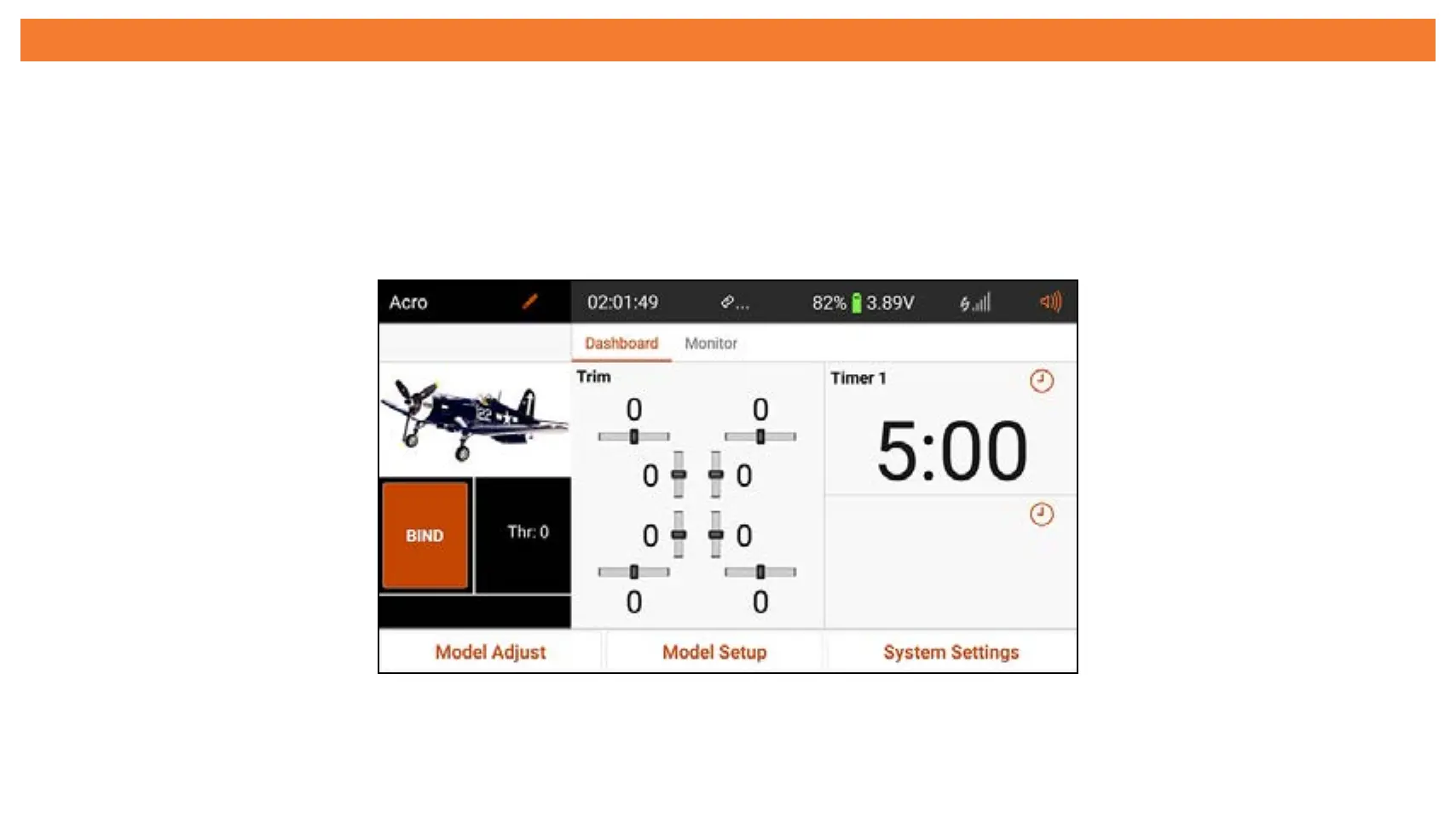
The iX14+ Spektrum AirWare app has up to four main screens that can be quickly
accessed by swiping left or right on the touch screen display. The Dashboard and
Monitor screens are always available. Telemetry Dashboard and Telemetry Min/Max
are only available when telemetry information is present.
• Dashboard: The main screen displaying Trims and Timers, as well the model
name and image.



 To Next Page