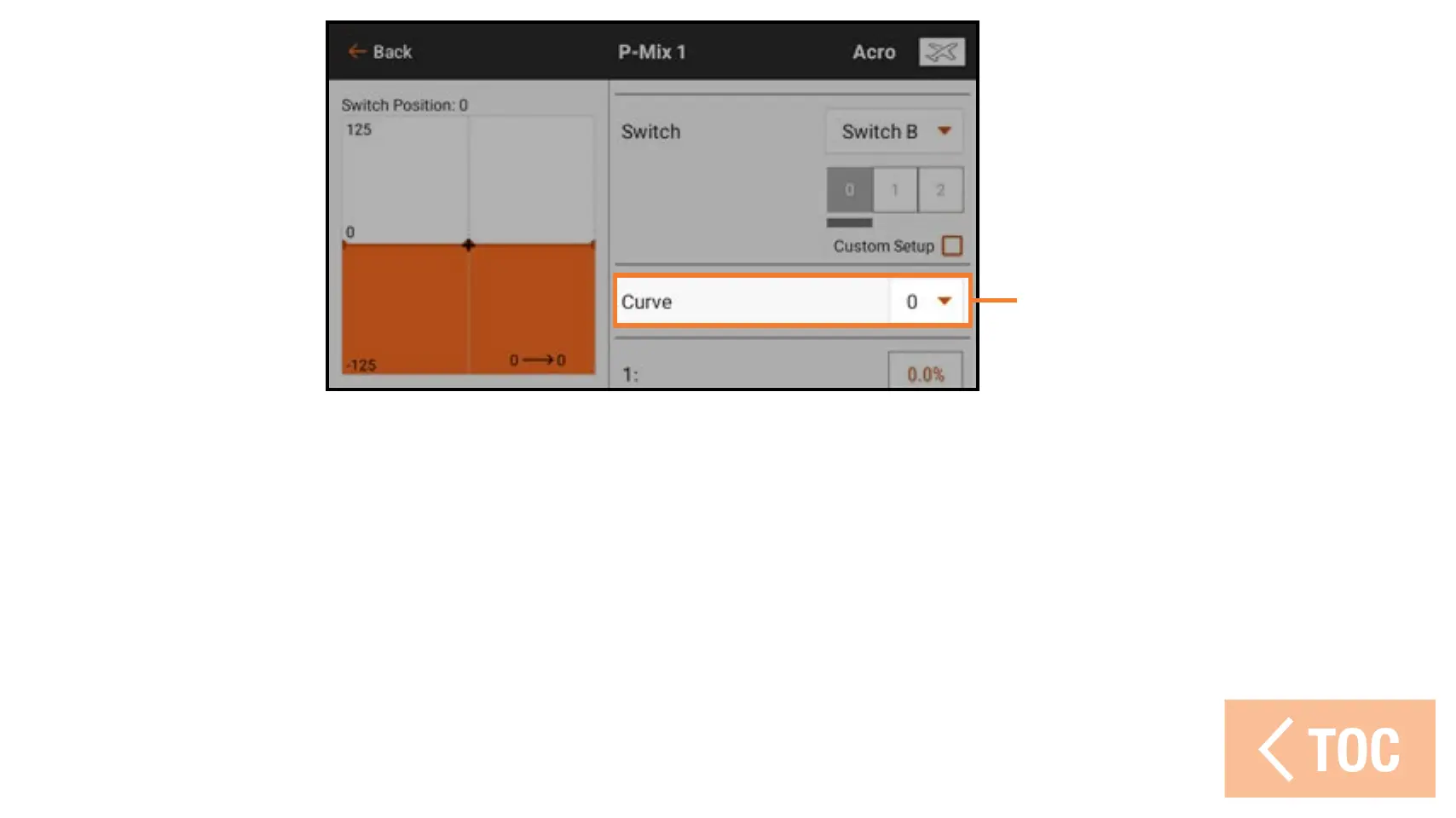
Curve
Select a curve to change the curve that is displayed on the screen. Selecting the curve
shows the active switch position for that curve. This may be changed by selecting or
deselecting the active switch box.
Change the shape of the curve by increasing or decreasing the percent values of each
point along the curve, or add and delete curve points, as described in the Mixing section.
IMPORTANT: Turning Custom Setup off will reset the curve switch assignments back
to the default settings.



 To Next Page