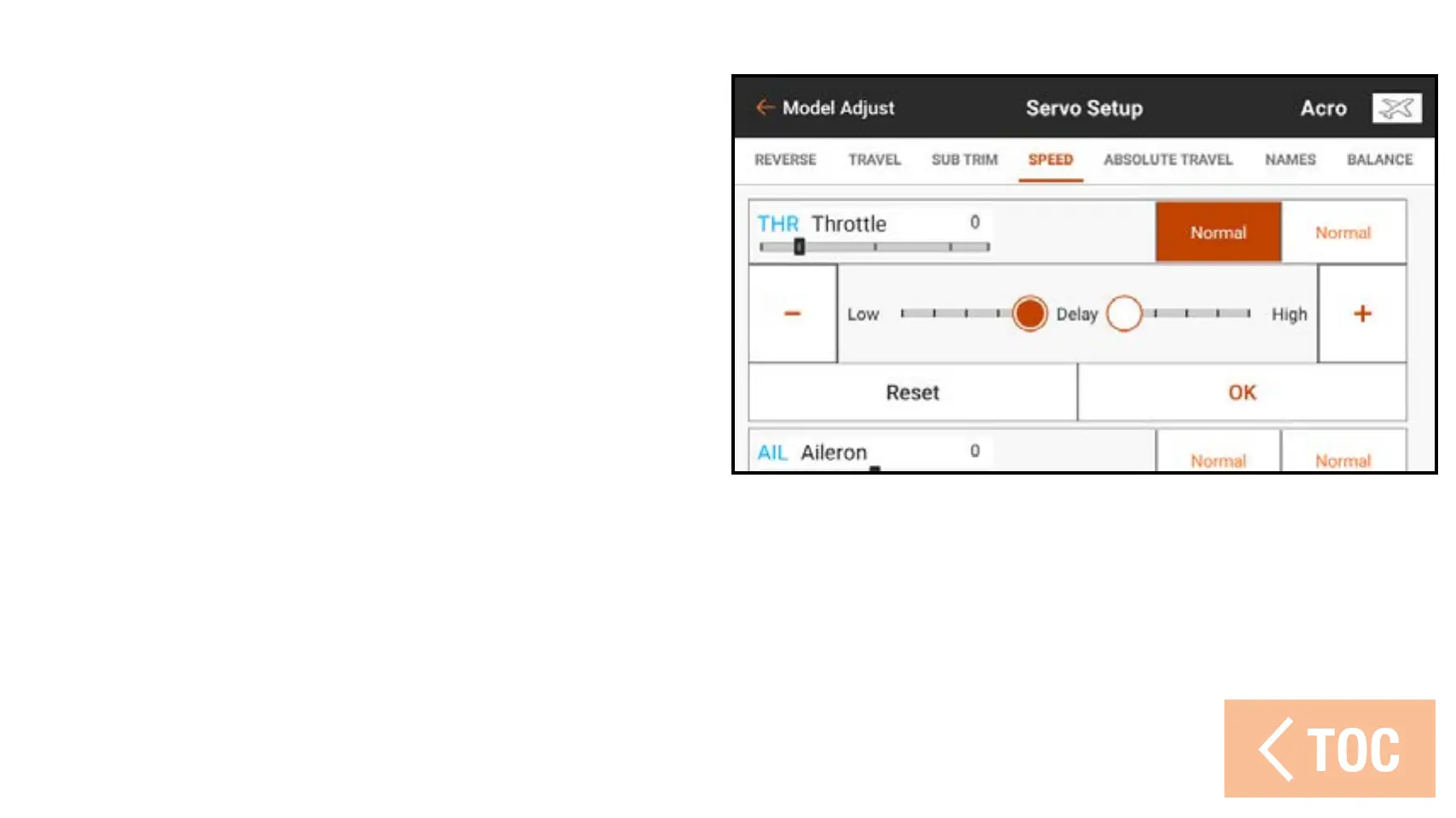
To adjust speed values:
1. Touch SPEED in the ribbon at the top
of the Servo Setup menu.
2. Touch either the right or left side value
of the desired channel to open the
channel Speed menu.
3. Slow the channel response by sliding
the highlighted circle or using the +
or – buttons to change the time value.
Each side of the servo travel has
independent speed adjustments.



 To Next Page