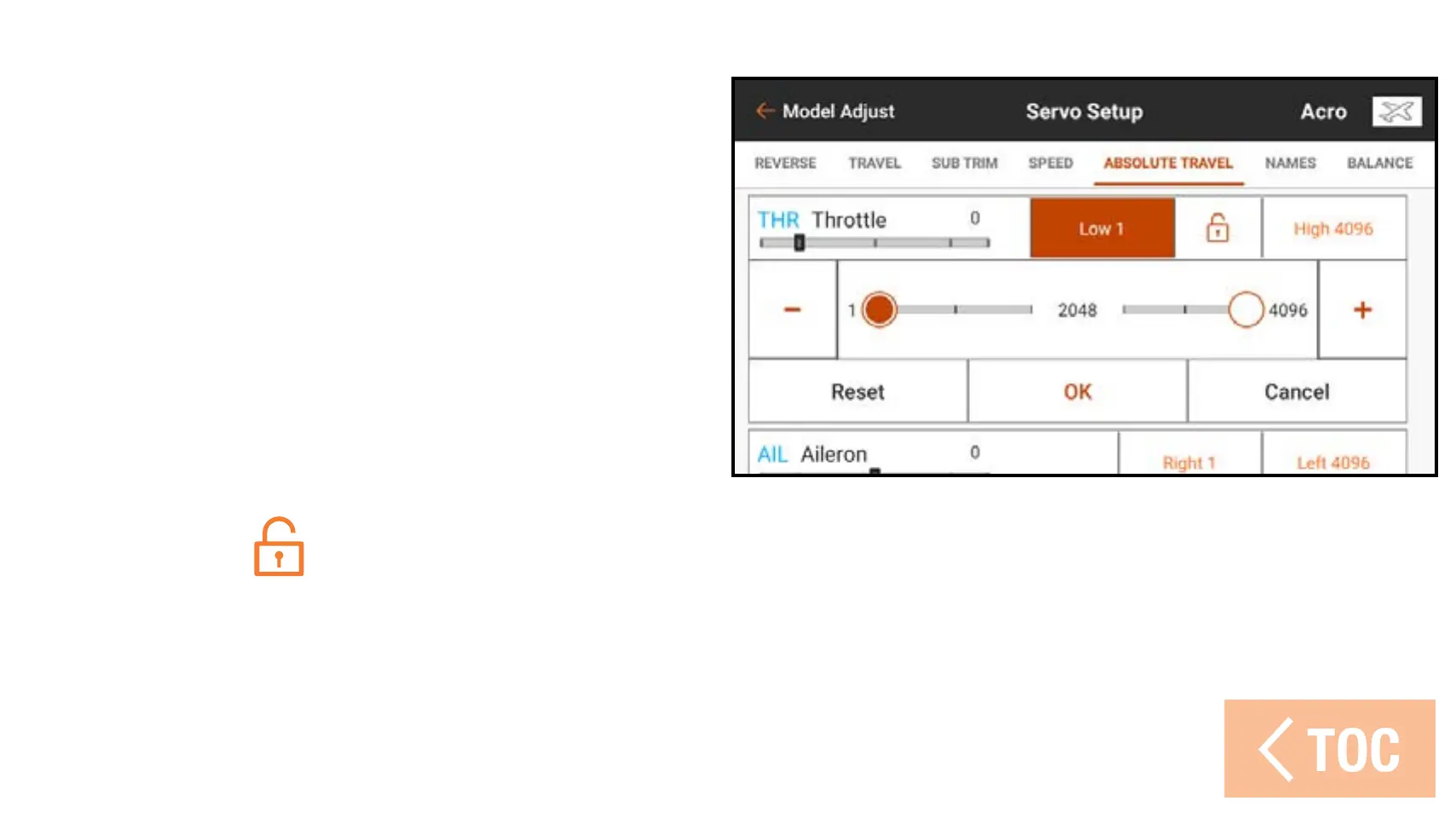
To adjust the absolute travel limit:
1. Touch ABSOLUTE TRAVEL in the
ribbon at the top of the Servo Setup
menu.
2. Touch the low or high values to adjust
the limit value in the desired channel.
The low point can be adjusted from
1 to 2048, and the high point can be
adjusted from 2049 to 4096. Adjust
the values independently or touch the
lock icon (
) to adjust both values together.
3. Touch OK to save the entered values and exit back to the Absolute Travel sub menu.



 To Next Page