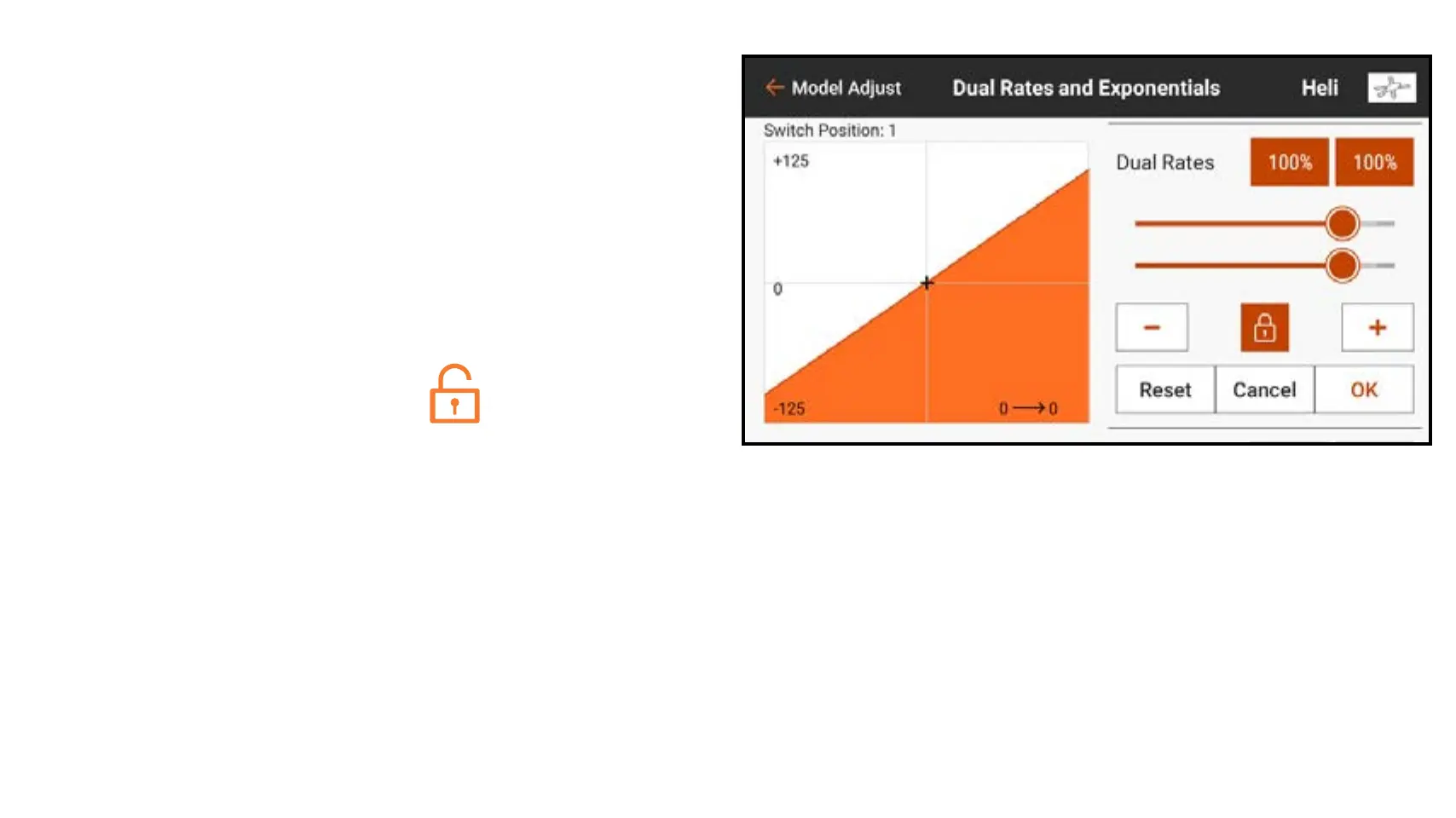
4. Touch the Dual Rates values to
access the value sliders.
5. Adjust the travel rates for each switch
position. Each rate number affects
one side of the servo travel from the
center. 100% results in full travel. A
50% rate results in 50% of full travel.
Touch the lock icon (
) to adjust
both values together or separately.
6. Touch OK to save the values.



 To Next Page