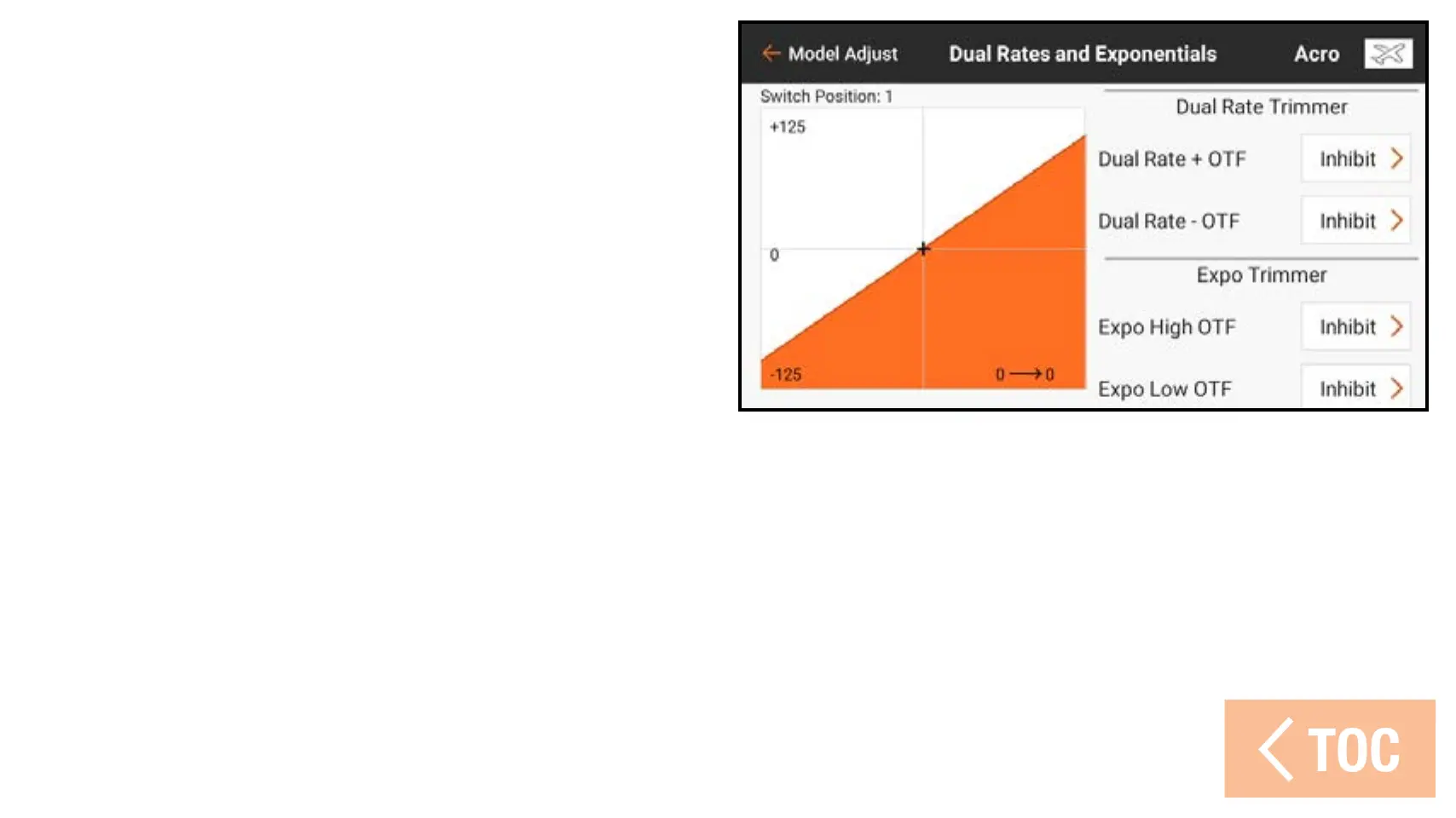
Enable adjusting the Dual Rate or Expo
values on the fly (OTF) by assigning a
trimmer switch to the positive (high) and
negative (low) functions:
1. Touch Inhibit.
2. Assign an available trim switch.
3. Assign a minimum and maximum val-
ue of the function. The default values
are 10 and 125%.
4. Repeat to assign a trim switch for the
opposite function.
While in flight, use the assigned trim
switch to fine tune the dual rates
or exponential, depending on which
function is assigned.



 To Next Page