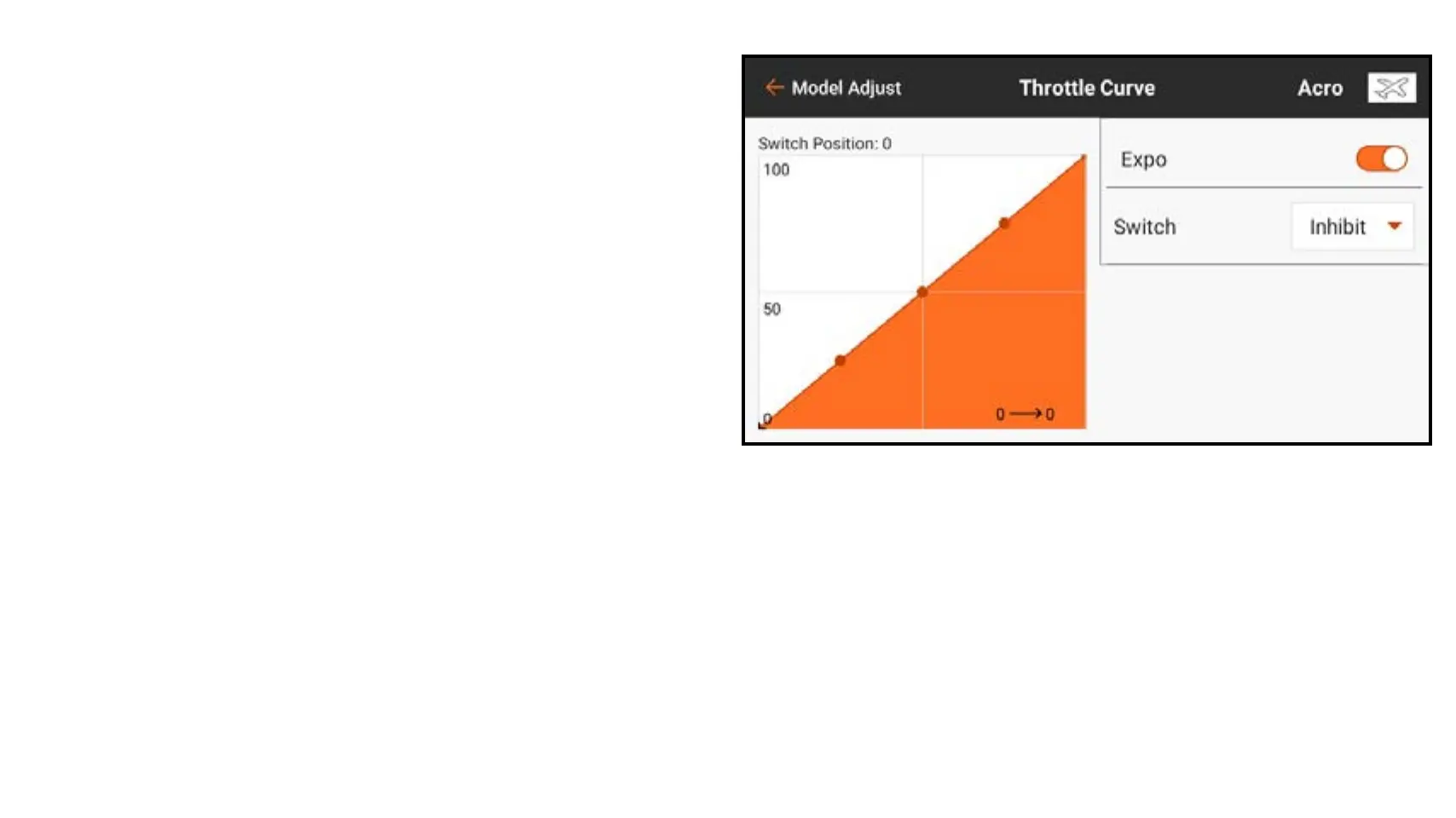
To create a throttle curve:
1. From the Model Adjust menu, touch
Throttle Curve.
2. Select a switch or On to enable curve
adjustments. Multiple curves can be
configured on a switch to provide
multiple throttle curve options. Select
On to select only one curve.
On the graph, the horizontal axis
represents the movement of the
throttle stick. The vertical axis
represents the throttle output. A black
+ on the graph indicates the current
throttle stick position.



 To Next Page