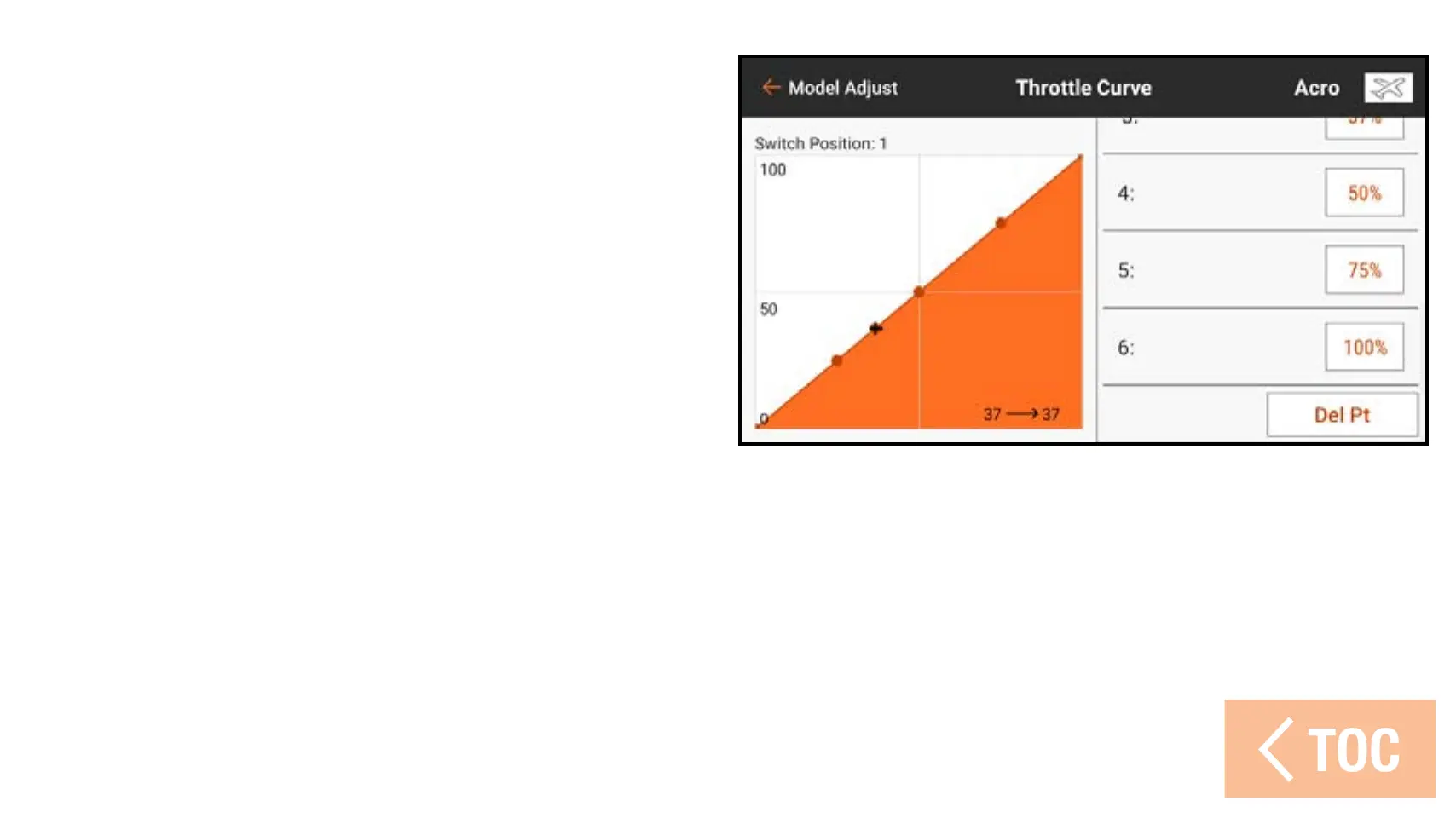
To delete a curve point:
1. Move the throttle stick to the position
of the point to be deleted.
2. Touch and drag on the right side of
the screen to scroll to the bottom of
the curve point list.
3. Touch and hold the Add Pt button
until it changes to orange, then
release.



 To Next Page