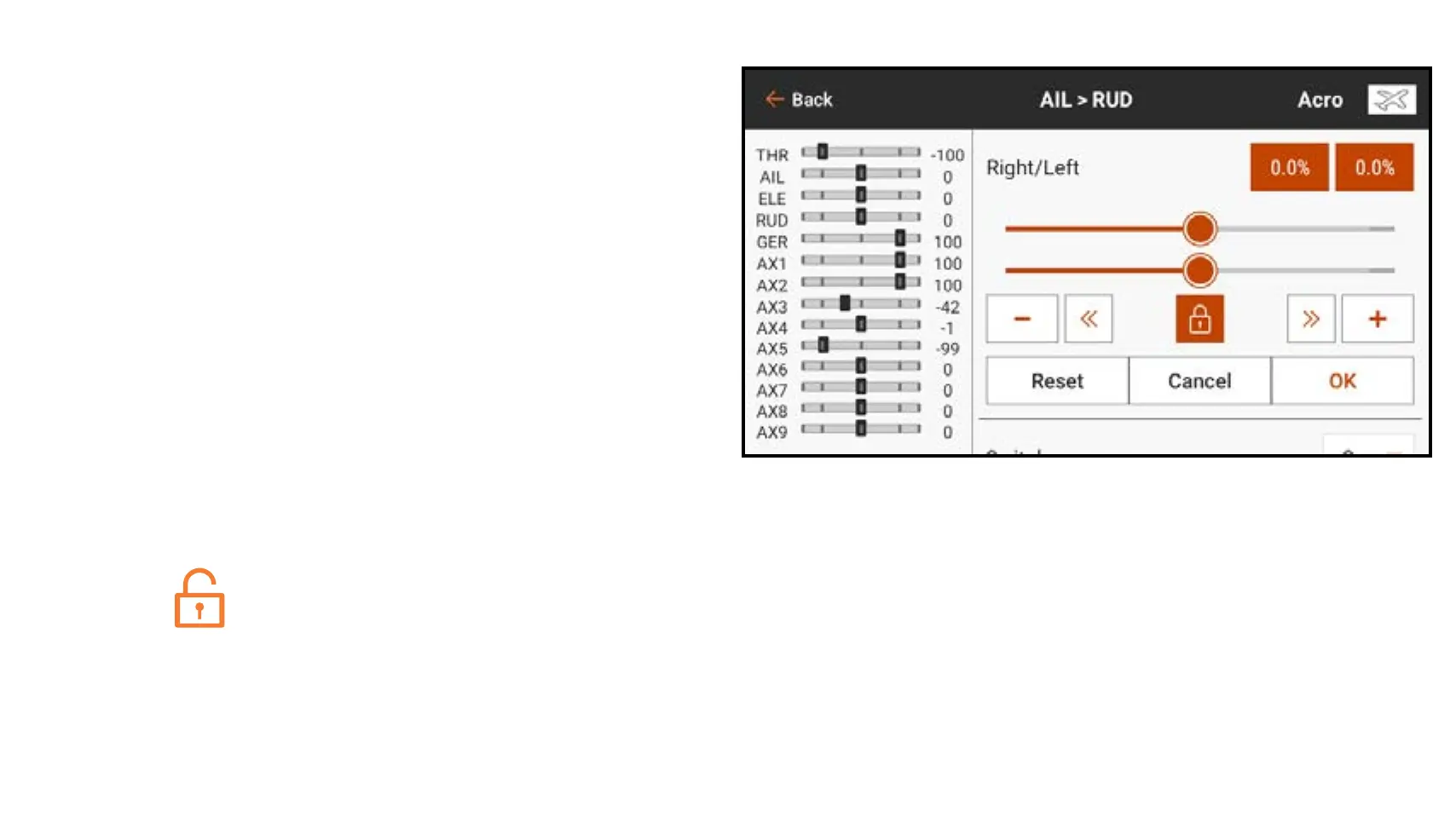
To activate a pre-configured mix:
1. From the Mixing menu, select the
desired pre-configured mix.
2. Choose a switch and active position
to control the mix or choose the On
option to have the mix always active.
3. Touch in one of the value boxes to
open the options.
4. Adjust the mix values by sliding the
circle right or left on the bar or by
touching the + or –. Touch the lock
icon (
) to adjust both values
simultaneously.
5. Touch OK to save the settings when
the adjustments are complete.
6. Touch Inhibit under Trimmer to as-
sign an On the Fly (OTF) trim switch to
the mix value.
7. Assign a minimum and maximum
value to the trim function. The default
values are -125 and 125%.



 To Next Page