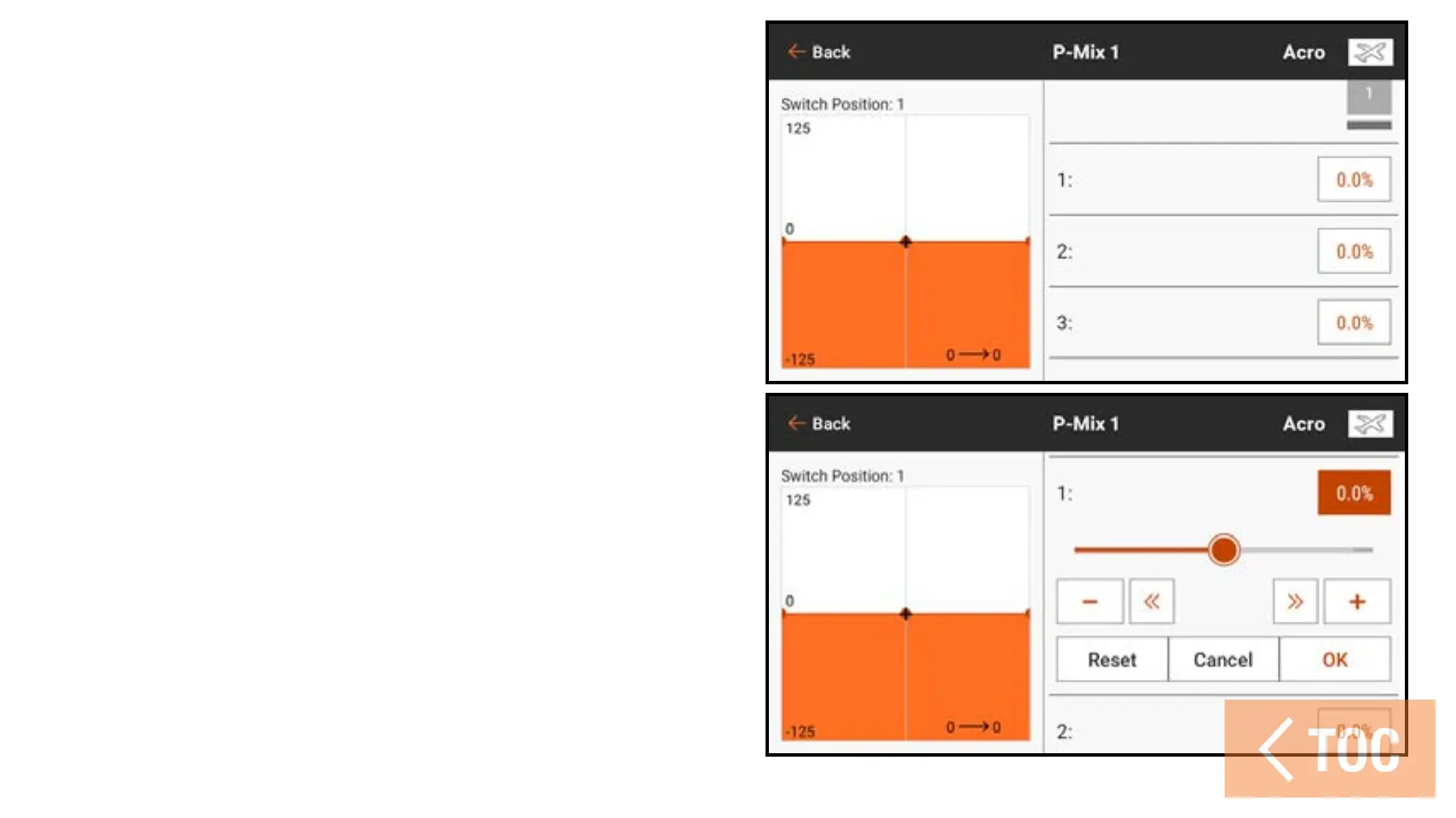
7. If using the Normal mix type,
enter the rate values (i.e., the pre-
configured mixes). If using the
Curved mix type, touch in each point
value box to change the curve point
position.
8. Slide the circle along the bar to the
desired value.
9. Touch OK to save the setting for each
point.



 To Next Page