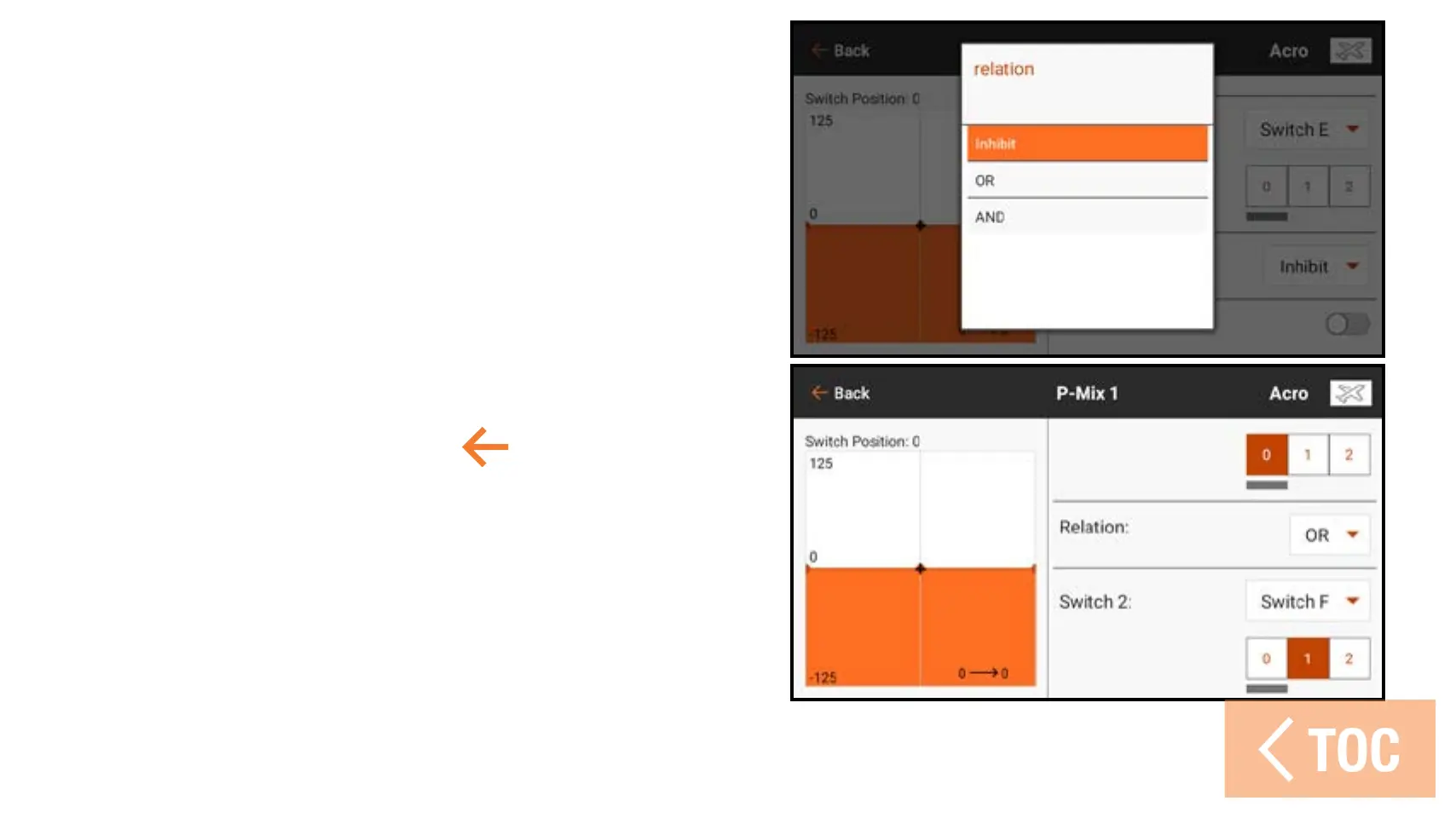
4. Select the Relation (OR, AND)
5. Select the desired switch and active
switch position for Switch 2. The mix
is active when the switch position
box is filled. The Status switch at the
bottom of the screen gives a visual
method to check the mix status with
the various switch positions.
6. Press the back arrow (
) to save
the combo mix.



 To Next Page