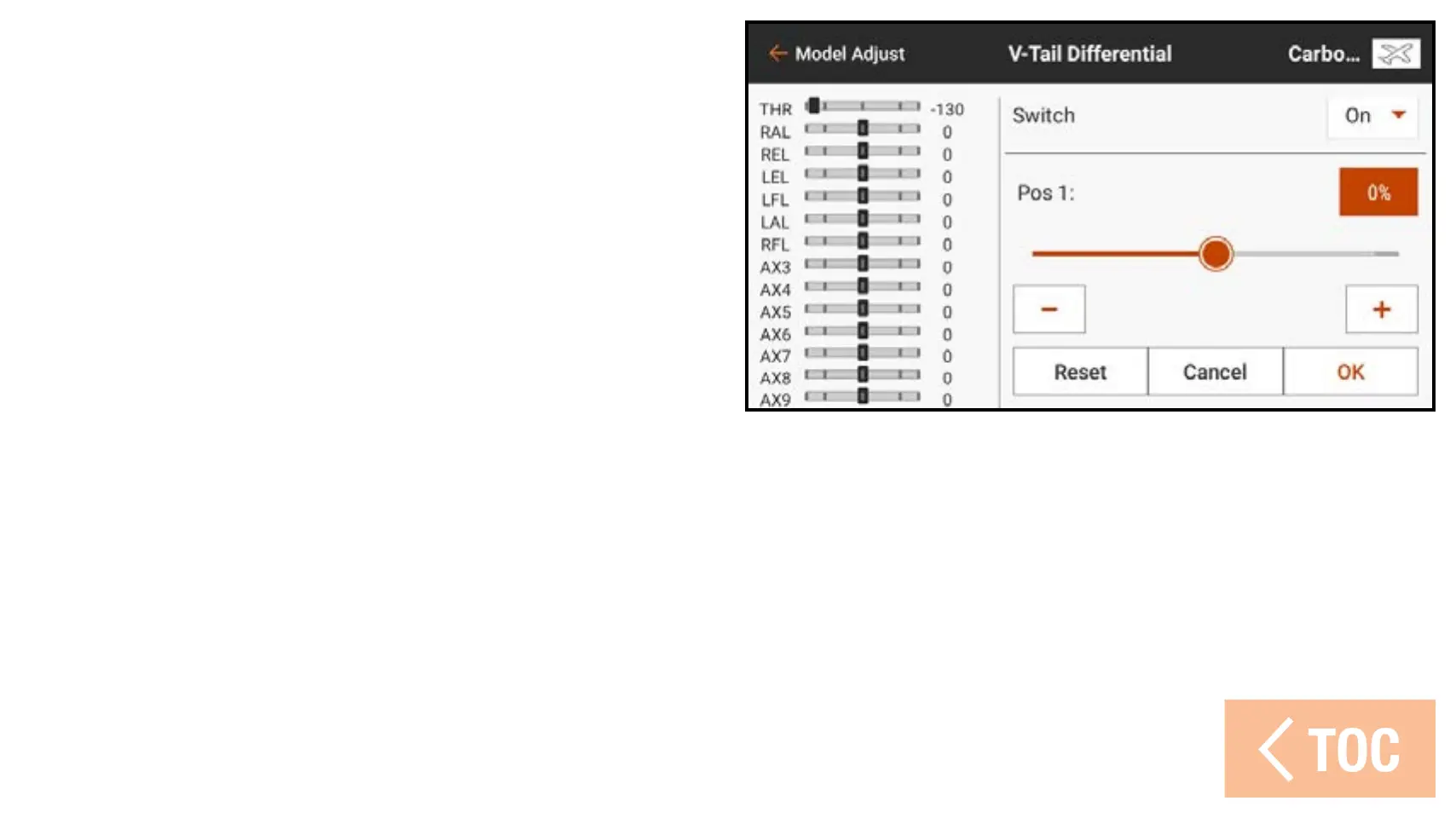
To adjust the V-tail differential:
1. From the Model Adjust menu, touch
V-Tail Differential.
2. Set Switch to On to use a single value
for differential, or assign a switch from
the popup menu.
3. Touch the value box to adjust the
differential value. A positive differential
value decreases the amount of down travel of both tail surfaces. A negative
differential value decreases the amount of up travel of both tail surfaces. A setting
of 100 eliminates down travel entirely. A setting of –100 eliminates up travel.
Selecting 50 or –50 reduces the down or up travel by half.
4. When the value is set, touch OK to save the setting.
5. Touch Inhibit next to Rate OTF to add a trim switch to adjust and refine the
differential percentage while flying.



 To Next Page