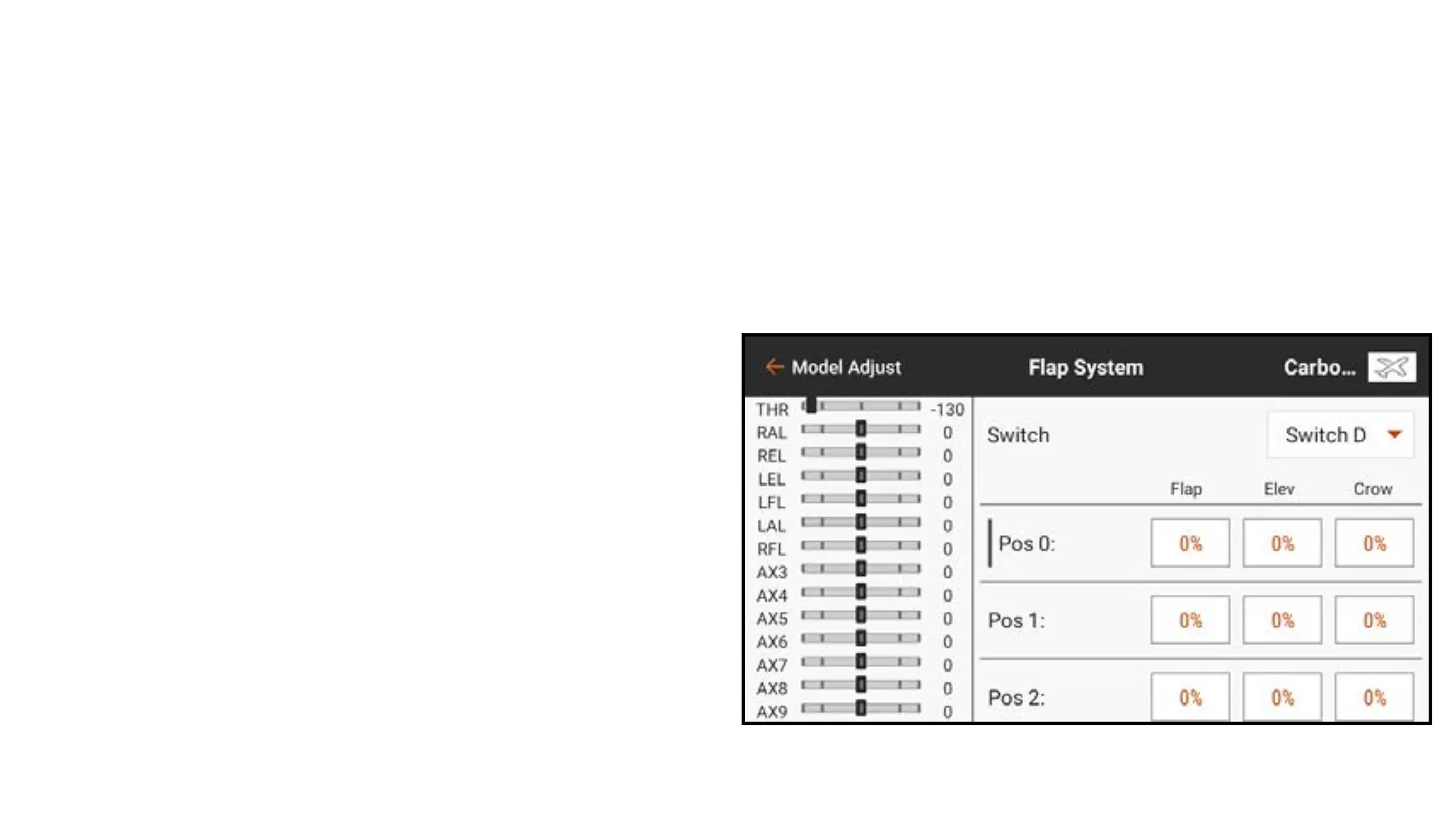
To program the Flap System:
1. From Model Adjust, touch Flap System.
2. Touch the Switch input box to select the desired switch or Flight Mode.
TIP: If an analog input device is selected (stick, slider or knob), the flaps will not
operate in direct response to moving the input. Using an analog input for the flap
system is similar to analog switch setup.
3. Touch the POS value boxes to assign
the flap travel values for each switch
position.



 To Next Page