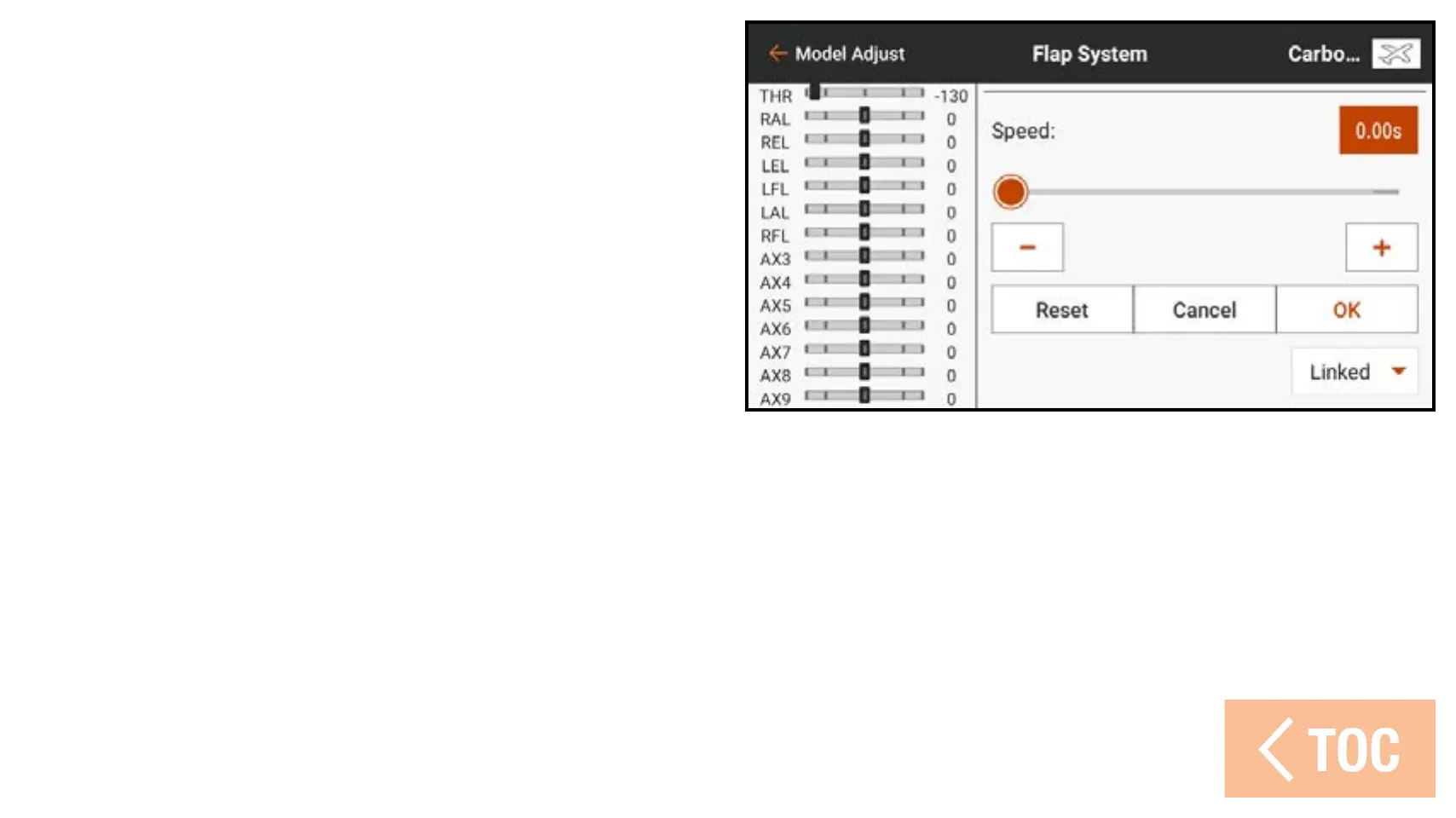
5. Adjust the flap speed to slow the flap
movement for more realistic operation
or to help prevent a rapid change in
flight characteristics when the flaps are
deployed. Flap speed options range from
0.0 to 360 seconds. The value selected
is the amount of time it will take for the
flaps to move from one switch position
to the next. When the desired time is entered, touch OK to save the value.
6. Touch Inhibit next to Flap OTF, Elevator OTF, or Crow OTF to add a trim
switch to adjust and refine the percentage of the selected function while flying.



 To Next Page