GYRO
Gyro options for Heli and Acro model types are considerably different.
HELI GYRO
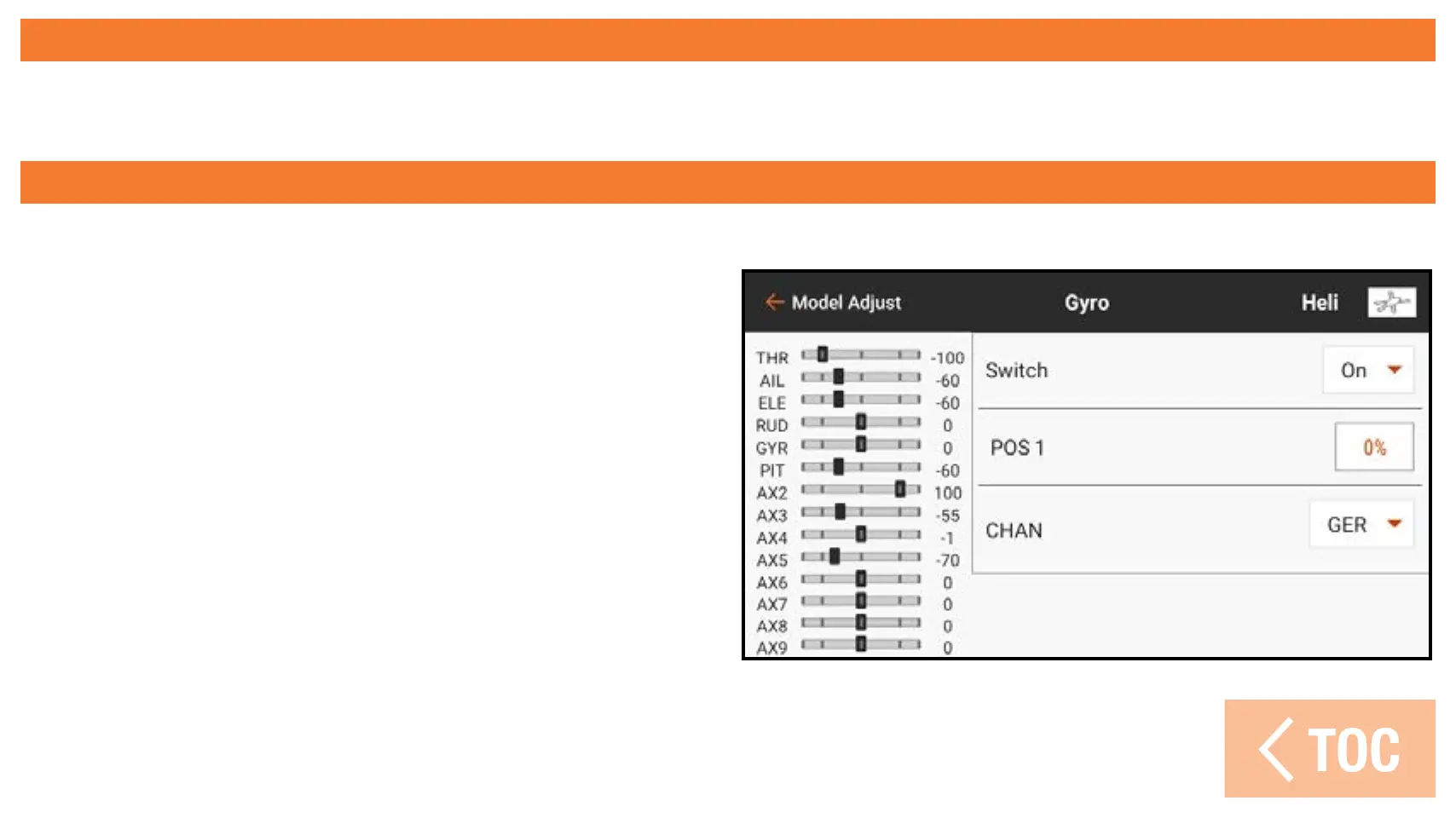
The Gyro menu is enabled to manage tail gyro gain when the Model Type is set to Helicopter.
Touch Switch to select a switch or On. The
number of gyro gain positions will correlate
to the switch chosen. If On is selected, only
one position is set. Select a channel to assign
to the gain; this is the channel the gain signal
from the gyro needs to be plugged into on
the receiver. Most gyros will use one side of
the gain channel for heading hold and the
opposite side for rate mode. Consult the gyro
manual for more information.



 To Next Page