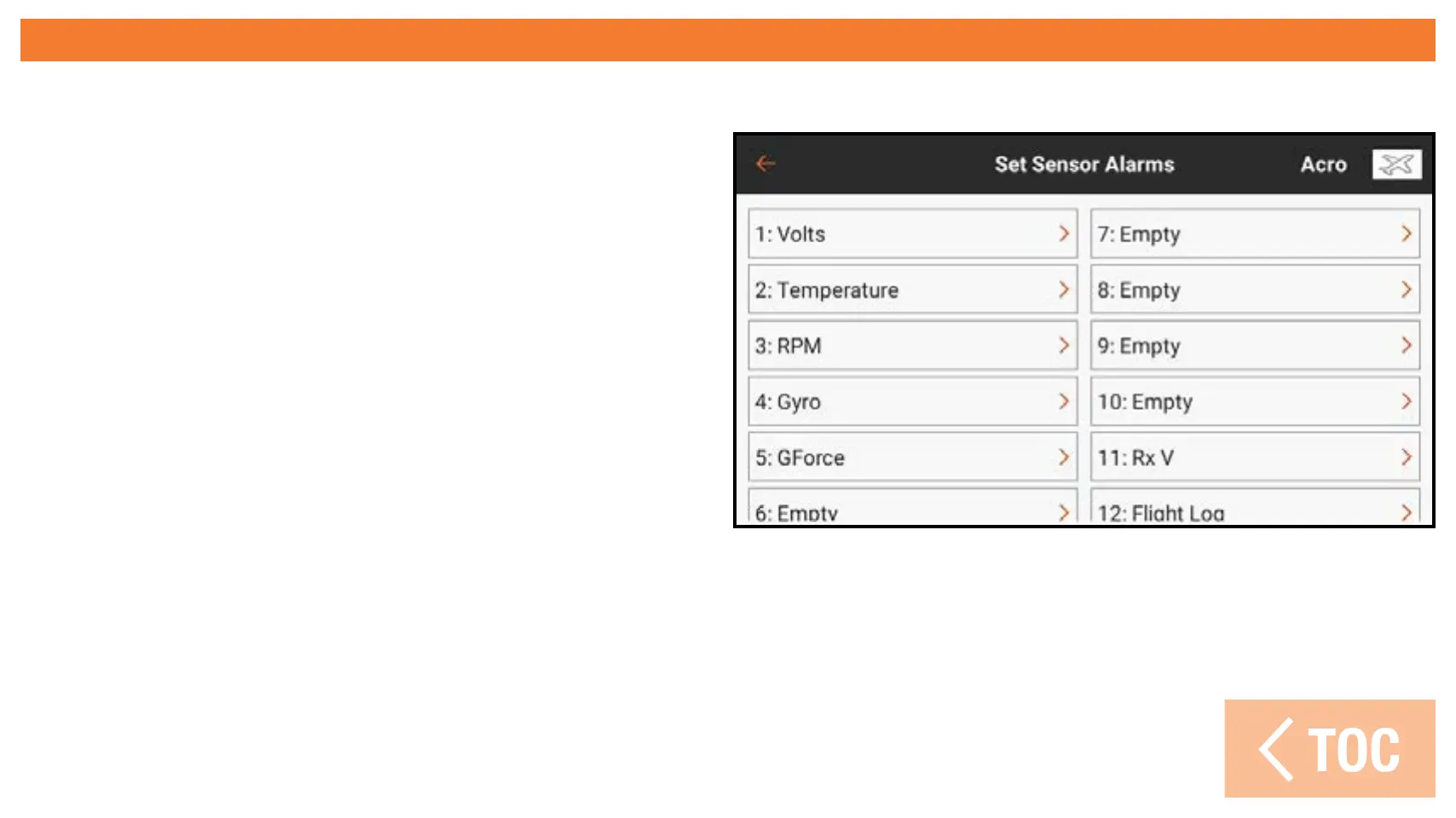
SET SENSOR ALARMS
Touch Set Sensor Alarms to edit/create alarms for the various telemetry sensors.
1. Enter the Set Sensor Alarms menu.
2. Select from the list of available
sensors.
3. Activate or disable the display of
the sensor in the telemetry monitor
screen.
4. Select the type of alarm to use.
5. If Voice is selected, enter the desired
text for the voice to speak, adding any
desired macros.
6. Scroll to the bottom of the screen
to change any additional settings
available for the chosen sensor.



 To Next Page