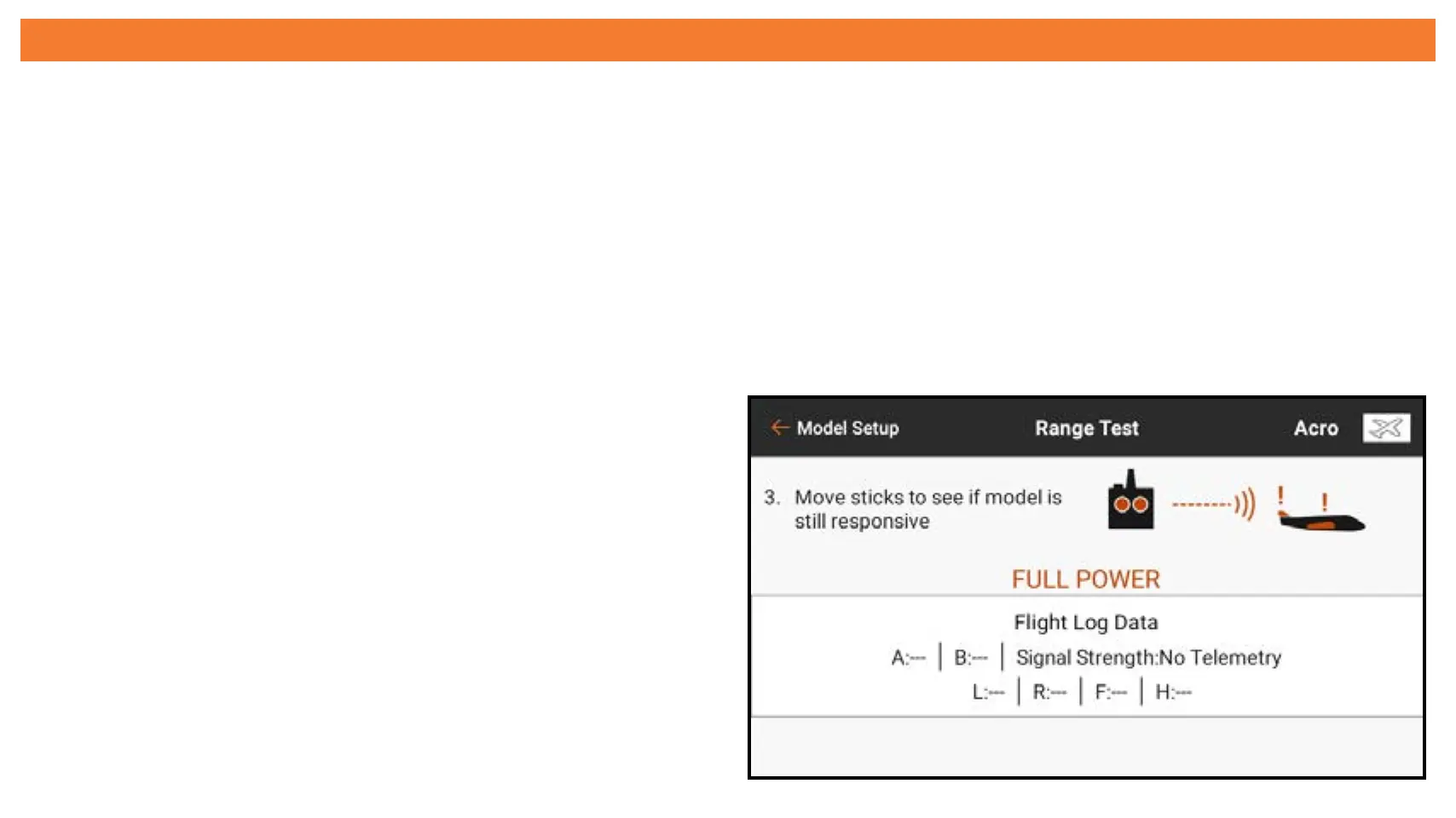
FLIGHT LOG DATA
In addition to watching if the model loses control, more specific data is available
from the receiver to learn how well the installation is working. Telemetry receivers
report the receiver performance directly in this menu as well as on the Spektrum
Airware dashboard telemetry screen.
Touch and swipe up to scroll to the bottom of the Range Test menu to see a display
of the Flight Log Data telemetry information, if available.
The following information is displayed:
• A: Antenna fades on Receiver A
• B: Antenna fades on Receiver B
• L: Antenna fade on the left receiver
• R: Antenna fade on the right receiver
• F: Total number of frame losses
• H: Number of Holds



 To Next Page